Voice control for Logitech Harmony with Siri Shortcuts
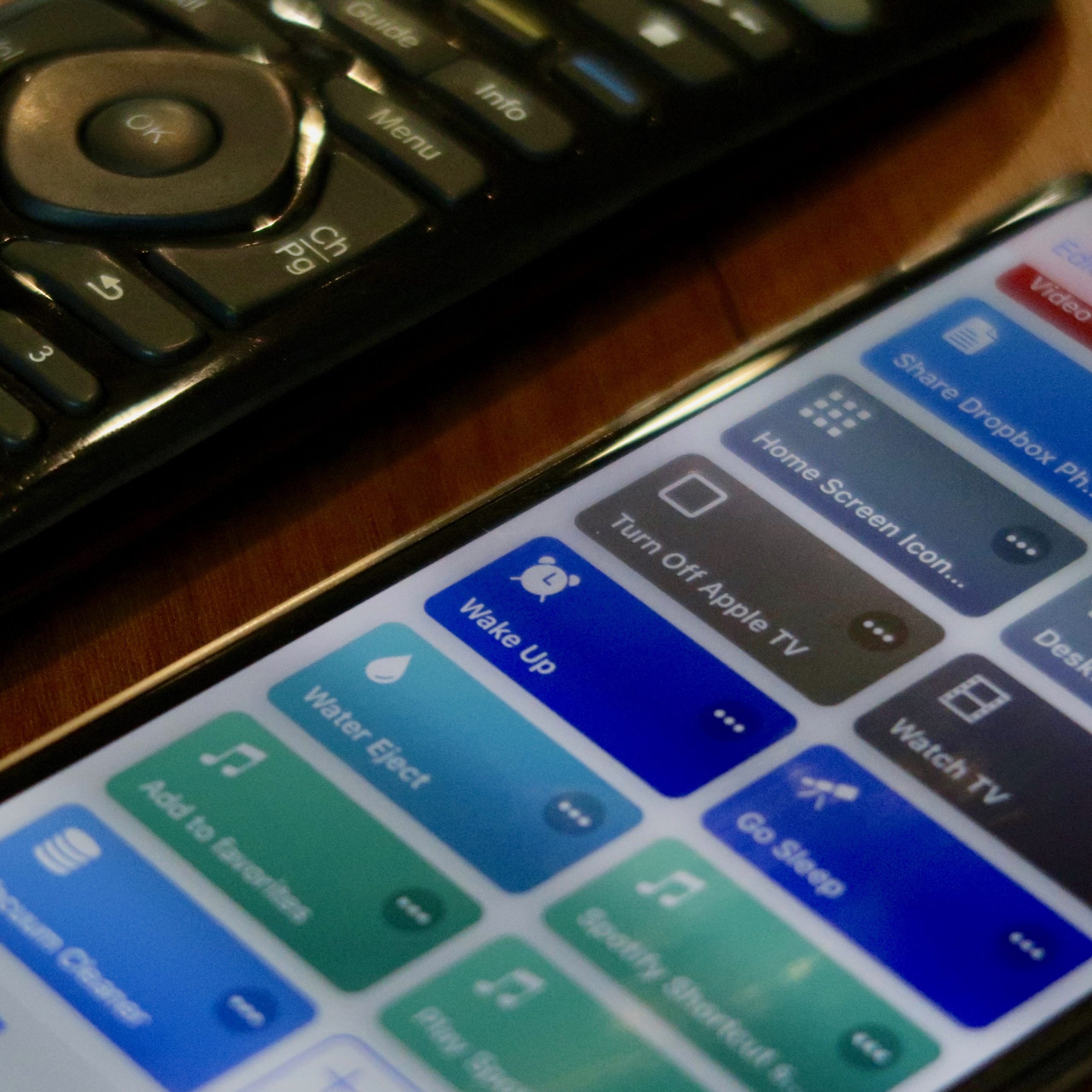
I have considered the Logitech Harmony Hub one of the best purchases of my life for the past 5 years, and I have finally managed to make it launch my audio/video devices and trigger HomeKit scenes using voice commands spoken to Siri. I always had problems with this on HomeBridge. Now not only do I no longer need Homebridge, but everything simply works.
If anyone does not know what Logitech Harmony is, I will quote myself:
I do not know what I would do without it. It is a wireless remote with enormous configuration possibilities, connected to a hub (base station) that distributes infrared throughout the room. The remote, meanwhile, communicates with the hub by radio. So without having to aim anywhere near a device, I press the button responsible for, say, watching Netflix, and the remote sends a command to the hub. The hub then uses infrared (and Bluetooth as well) to perform a whole series of tasks: it turns on the projector, switches to the right HDMI input, starts the audio system, turns on the projector, dims the lights in the room, etc. Normally I would have to do all of this manually.
Of course, afterward all this AV equipment is controlled with the same remote (changing the volume, navigating menus, and everything else). It uses radio the whole time, so it will work even if I have the remote in my pocket. You configure different activities (watching TV, listening to music, playing on a console, etc.); my remote can have a maximum of 6 (there is also another model with a built-in touchscreen).
The database of supported devices is enormous, and as a last resort you can also copy commands from another remote. I did this with an HDMI switch and an air conditioner. I was very pleasantly surprised by the battery life. I only had to replace it after 3 years. In fact, you do not need to have or use the remote at all. It can be replaced by an app on your phone. Except that by the time I pull out my phone and do something on it, I could perform the same action 7 times with a regular remote. I cannot imagine using the hub this way. Unfortunately, Harmony does not natively support HomeKit, and I always had problems with Homebridge [read the whole thing].
Exactly—while Google and Alexa users have had support for a long time, Harmony still cannot be connected to HomeKit unless you use a horribly buggy Homebridge plugin. On top of that, Logitech recently disabled the necessary API (although under pressure from criticism, it decided to restore it).
A new way to launch Harmony activities by voice + HomeKit scenes
Not entirely new, because it has existed since Siri Shortcuts were introduced, but I have only just started using it. This method does not require any additional hardware (not even a Raspberry Pi), and in my case it gives me exactly the same result I used to get with Harmony in HomeKit—the ability to turn on a selected Harmony activity by voice. So I say, for example, “Watch TV” to my watch to launch the entire sequence of actions, and that is it. The main difference compared with Homebridge is that you have to configure it through Siri Shortcuts rather than HomeKit. Shortcuts can include HomeKit scenes, though, so this solution is entirely sufficient for me.
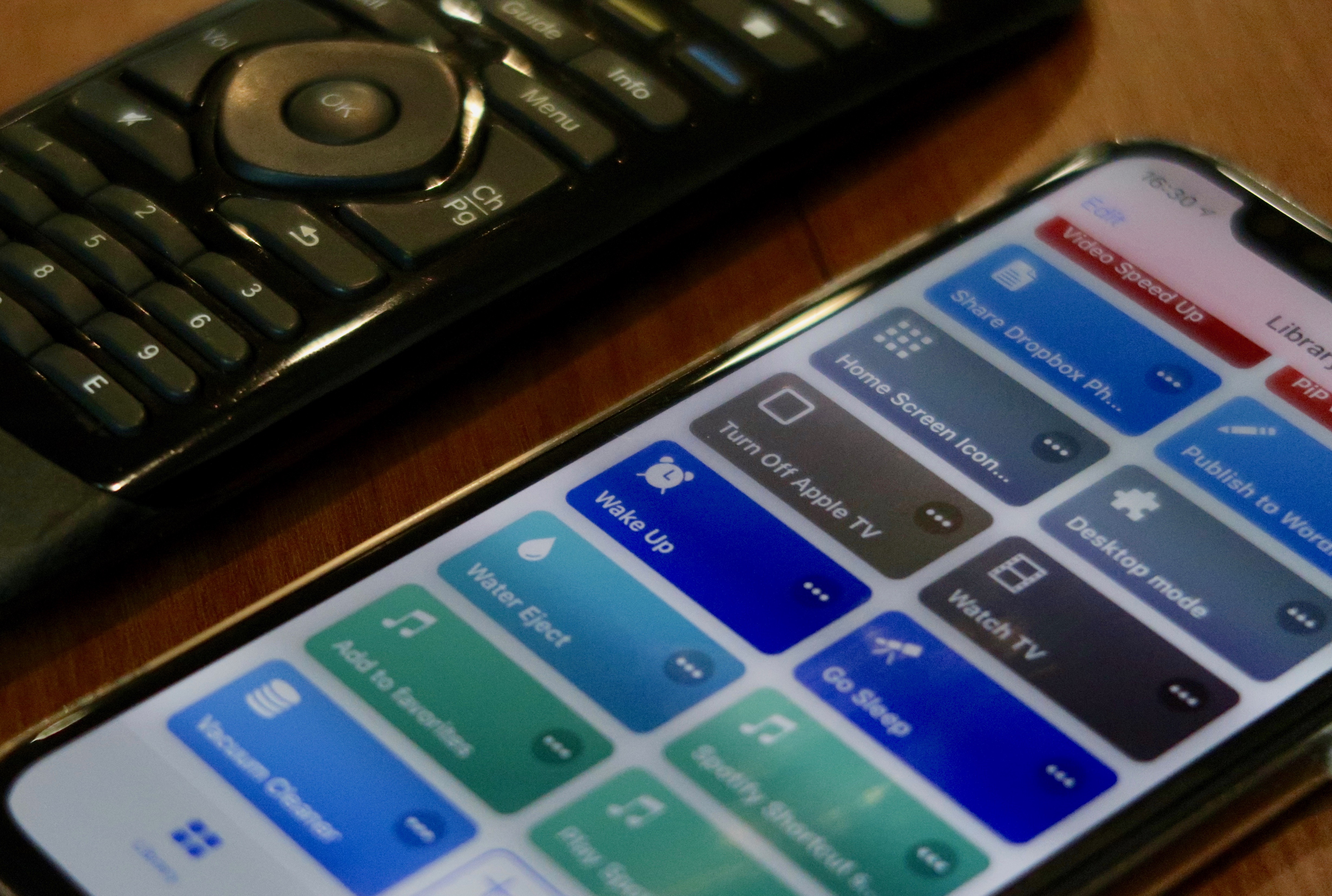
The setup was very easy, but since I was doing it for the first time, adding the first activity to Siri probably took me about 10 minutes. That is still quick, because I once spent whole hours working on a Raspberry Pi (and did so several times). If I had known earlier that it was this easy with Siri Shortcuts, I would have configured Harmony this way as soon as the app was released. The only thing you need apart from the Harmony Hub itself is a free IFTTT account, which everyone already has anyway (or will eventually create, so they might as well do it now).
I used this guide: macstories.net. Admittedly, it uses Sonos as the example, but the device makes no difference—you simply choose what you need, and that is it. The article may seem long, but the actual steps you need to perform are only a small part of the whole text.
Meanwhile, a much shorter guide specifically about Harmony has just appeared:
Just posted "Turn on/off Apple TV via HarmonyHub", a useful little #SiriShortCuts for #HarmonyHub users, on @routinehub. Check it out! https://t.co/3IV512QsbT
— Jason Calhoun (@JasonC) December 23, 2018
Link to the guide: RoutineHub
It lists what needs to be done in bullet points. Unfortunately, the instructions do not include any screenshots, but at least they show that you really only need to perform a few steps (especially since the author created the action for us—you just need to download it and paste your IFTTT information into it).
Advantages of Harmony in Siri Shortcuts
The Siri Shortcuts method works better than the regular Harmony remote for one more reason (besides voice activation): you can set different scenes to follow one another at specific time intervals, which cannot be automated to the same extent in Logitech's app. Besides, in the native app you have to set all the lights manually instead of selecting a ready-made HomeKit scene. In my setup, the ceiling lights first switch to one mode, and when the projector lamp begins displaying an image 30 seconds later, another HomeKit scene kicks in and changes the brightness of the same lights again. As soon as I get my hands on some mechanism for closing the curtains, the same command will be able to activate it too, just like anything else that works with HomeKit.
Disadvantages
Unfortunately, launching Harmony activities from Siri Shortcuts is not quite as responsive as HomeKit, which, as far as I remember, worked instantly even with Harmony. For me, the shortcut sometimes works almost immediately, but it often needs up to about 7 seconds. I have a lamp-based projector, which takes much longer to start than a TV—as much as 30 seconds, plus another few seconds before the image gets the right colors. So those 7 seconds do not make much difference, and I speak the command to Siri before I even sit down to watch. But if someone uses it to turn on a TV while already sitting in front of it, even those few seconds of waiting may become irritating.
Everything works
And that is it—finally, everything works for me. With Homebridge, problems used to show up after just a few hours (although I know it works flawlessly for some people). My shortcut is not very elaborate so far, because it only handles Harmony + the lights: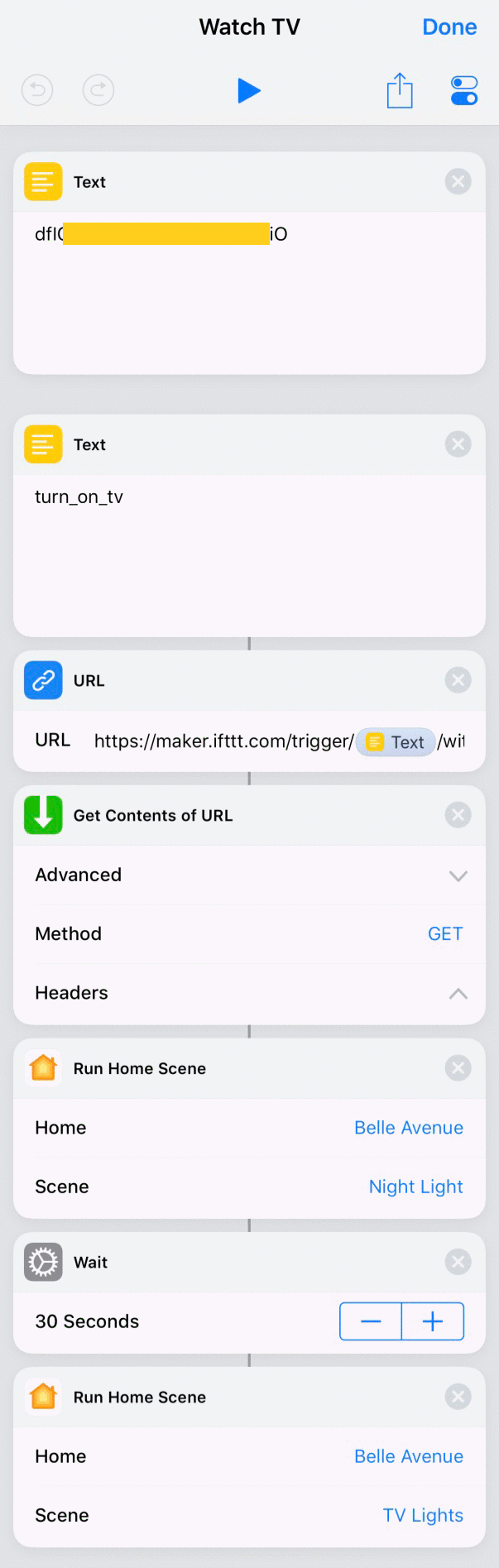
Unfortunately, Harmony does not want to talk to my air conditioner. The commands from the original remote have supposedly been copied, but they do not work. It is a shame, because it communicated with a different air conditioner in my previous apartment, and in the temperatures here I almost always have the air conditioning on when watching movies. I will buy a separate infrared transmitter for this purpose; I just do not know which one yet. Probably a Broadlink RM mini 3 (which definitely requires something like a Raspberry Pi) or a Xiaomi IR Remote (whose Xiaomi Mi Home “mother” app supports Siri Shortcuts, but I do not know whether they can be assigned to whatever is programmed into the infrared transmitter, and it looks like I will have to check it myself.