Hackintosh as my Mac Mini's successor, and the Nadgryzieni podcast
Remember when I said that the late-2018 Mac Mini was a computer I would not replace for many years? Well, I am about to build its successor :). Yesterday I talked about it on the Nadgryzieni podcast, because my next computer will be a Hackintosh—a PC running macOS (although I will use Windows on it too). You can listen to the podcast here, among other places: http://retrorocketnetwork.pl/nadgryzieni-297-nlestation-2020-sekret-budowy-hackintosha-mac-i-egpu-vr-monitory-do-grania-i-do-grafiki/It is not that the Mini is no longer enough—for photos it would be great for at least another 5 years, and probably longer (btw. an update to my post about computers for retouching will appear soon). The Hackintosh will simply be used for things that are very graphically demanding, specifically VR. After buying the Oculus Quest, it was only a matter of time before I wanted to use PCVR, which has much better graphics than the Quest. Admittedly, I could simply buy an eGPU for the Mac Mini, but a Hackintosh offers more room for upgrades and, above all, overclocking.
Since I will also be returning to Windows to some extent, I will use the opportunity to record some videos on that system about handling graphics and photography work, and about limiting potential problems with color management, scaling, etc.
Hackintosh
My Hackintosh is based very, and I mean veeeery heavily, on the one built by Wojtek Pietrusiewicz. My configuration will share so many of the same components that I was not sure there was any point in describing it, but in the end I decided to write an article. Why are our Hackintoshes so similar? I explained it on Nadgryzieni, but in 3 short points it looks like this:
I need very high performance for VR, so there is no point saving money on the processor, while at the same time there is no point using a server processor.
With a config almost identical to Wojtek's, if I had any problem in the future, I would not have to look for a solution myself. On top of that, I would not have to configure my boot loader from scratch; I would just beg Wojtek for his final version.
I also follow the principle that a Hackintosh should be as close as possible to a real Mac, so that almost everything is supported natively rather than patched with additional kexts.
Unfortunately, with that last assumption, you have to be very careful when choosing components. My previous Hackintosh did not use vanilla; it used a modified kernel, and this time I wanted to do it "properly". The initial configuration of my Hackintosh looks like this…
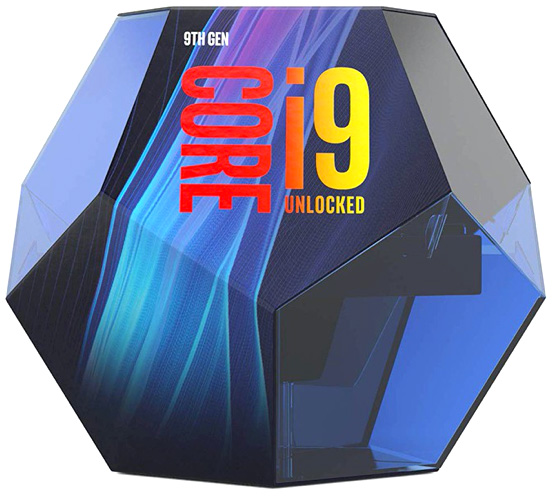
Intel i9 9900K 3.6–5 GHz processor
A safe choice for a Hackintosh, because this processor is used in iMacs. It is very powerful, and the K version has higher clock speeds and an unlocked multiplier. Overclocking used to be my hobby, which I had to give up after switching to a Mac, so this will be an opportunity to return to it.
The i7 from my Mac Mini vs. the i9 9900K from the Hackintosh:
Without OC, the differences in processor performance compared with the i7 8700B from my Mac Mini are as follows:
Single-core: 1199 vs. 1343
Multi-core: 5925 vs. 8786
The i9 is, of course, the one with the higher numbers. So the difference in single-core tasks is minor, while in multi-core tasks it is substantial, although overclocking will probably bring another big improvement. AMD Ryzens are admittedly doing quite well at the moment, and their much better performance-to-price ratio tempted me, but Apple uses Intel processors, so to limit problems that might occur (now or in future operating systems), I prefer to go with Intel. On the other hand, if instead of a monster for VR I were building a Hackintosh intended to offer the highest possible performance for the least money, I would almost certainly choose Ryzen despite the potentially greater complications.
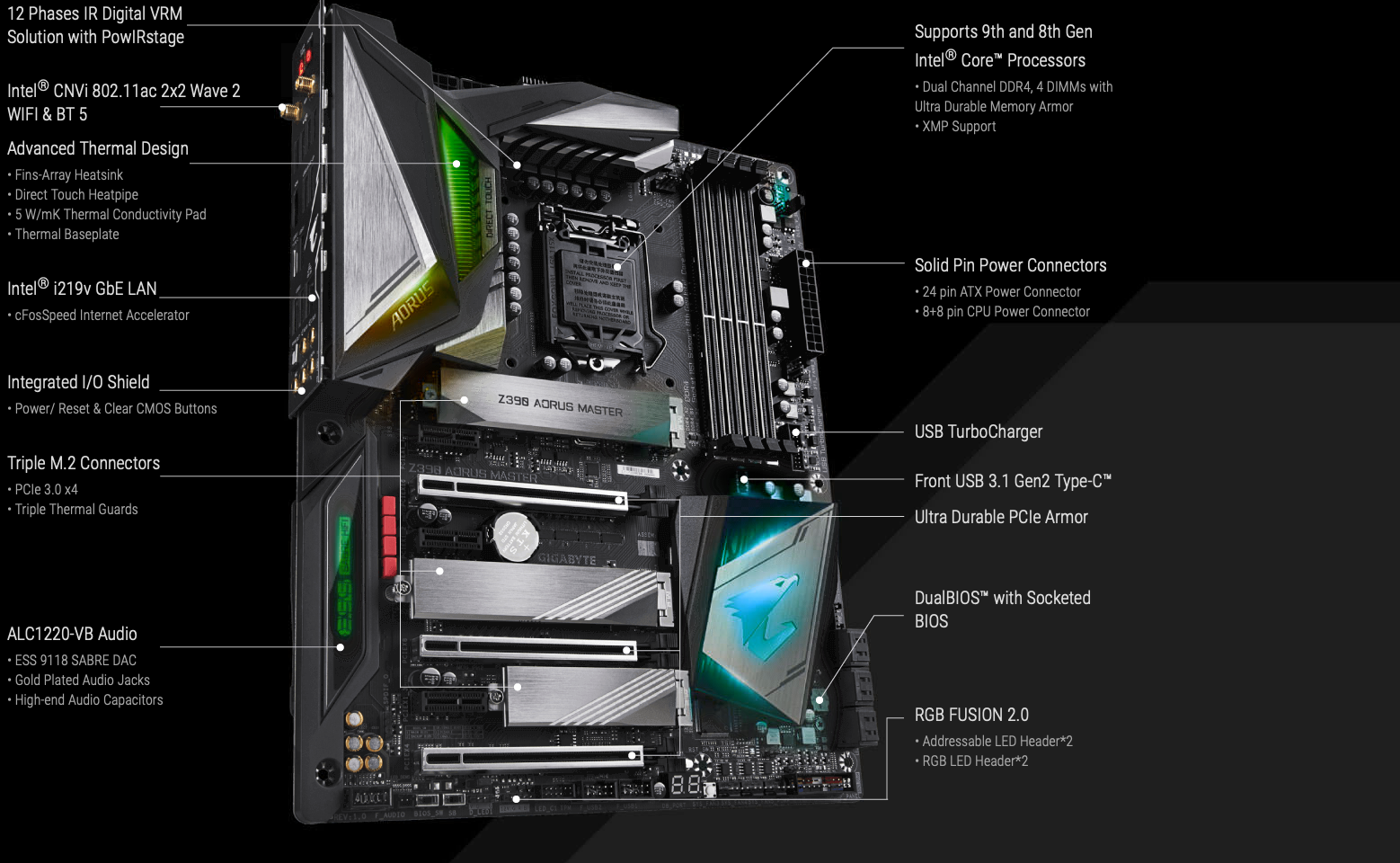
Gigabyte Aorus Master Z390 motherboard
The matter is simple here—I planned on a Gigabyte Aorus, but I was not sure which version to choose; there are as many as 10 of them on the Z390 chipset alone! The Master is definitely not tempting on price (over PLN 1,150 after conversion), but since Wojtek chose this exact model, I am not going to overthink it and will almost certainly decide on the same one, even though one of the lower models would probably be enough for me too.
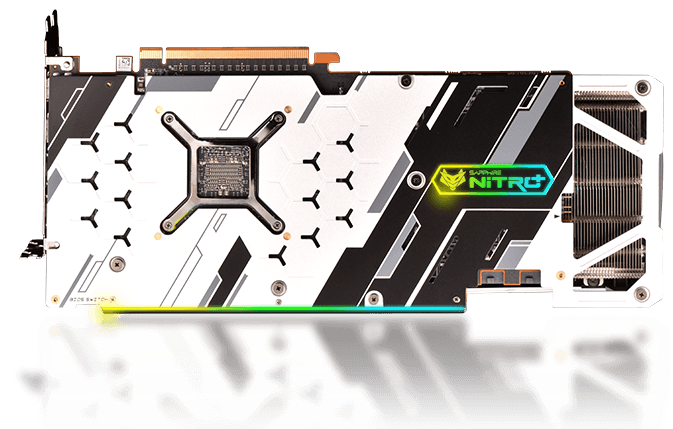
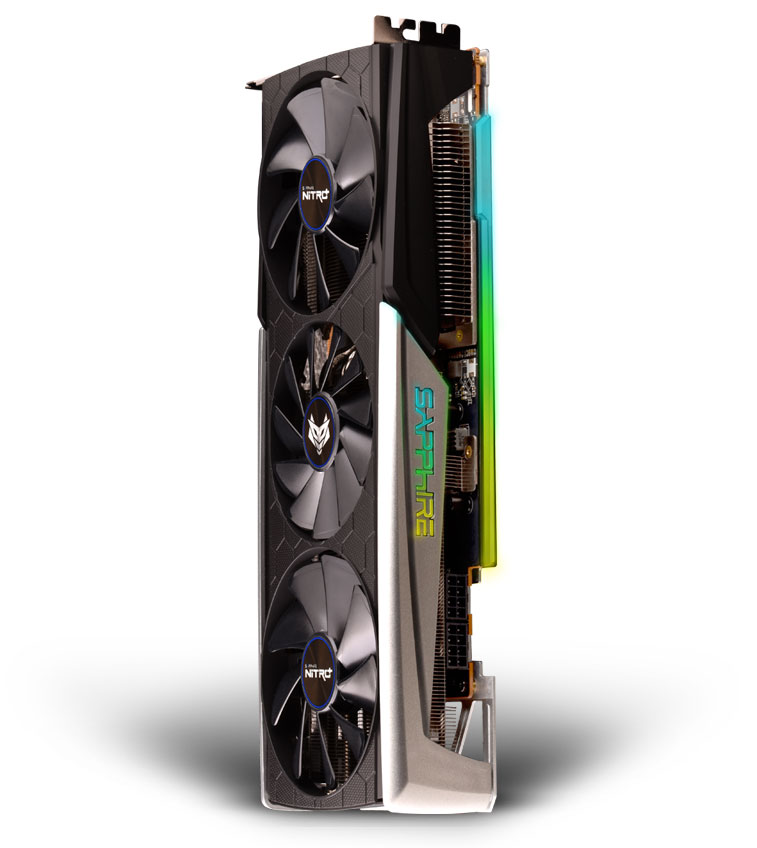
Sapphire RX 5700 XT Nitro+ 8 GB graphics card
A graphics card mattered very little to me for photos, but it matters enormously for VR games. A GeForce 2080 Super would therefore be great for me, but then on macOS I could use only the integrated graphics, while the GeForce would remain Windows-only. That is not a major problem, because you can easily live without a dedicated graphics card in Photoshop and Lightroom, but I would really like solid acceleration in set.a.light 3D, which I will use during webinars on macOS, not Windows. Besides, the additional card will also be useful for rendering in Final Cut, because unfortunately switching to a Hackintosh means giving up the T2 chip, so renders would take much longer than on my current Mac Mini.
Because my Hackintosh will run the newest operating system from the start, a Radeon RX 5xxx will work (and this version should work without the slightest problem). Initially I wanted a regular RX 5700 without XT, because you can overwrite its BIOS with the XT version to make up the performance. However, the Nitro+ is faster than a regular XT and has much quieter cooling. Unfortunately, I cannot find this model in Thailand. There are plenty of other cards in this series, including the Pulse and all kinds of versions from other companies, but no Nitro+. So I will probably have to order it from Amazon.
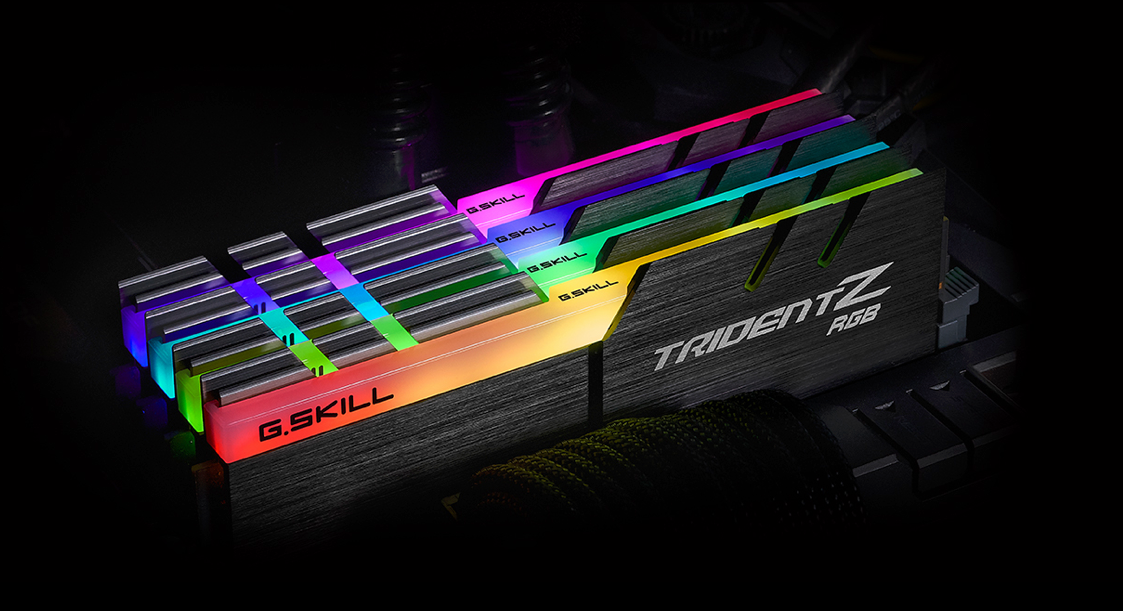
32 GB RAM 3600 MHz CL16-19-19-39 || G.Skill Trident Z Neo Series
Fortunately, a Hackintosh does not need special RAM, as long as it is compatible with the rest of the hardware. At the moment, 3200 MHz is probably the most sensible purchase considering the price, but 3600 MHz with decent timings is still affordable too. This RAM is one of 3 parts that are cheaper for me to import from abroad, so today I ordered it from Amazon, and it came to $200 plus shipping and a tax deposit. So in the worst case it will be about PLN 840. While shopping on Amazon, I discovered that with this RAM, choosing the more expensive (and faster) shipping option actually lowers the final price because the customs charges go down. How Amazon handles customs has been a mystery to me for years. I should add that this is a 2 x 16 GB kit, because in a few years I will probably add another identical set to have 64 GB, but today I do not need anything beyond 32 GB.
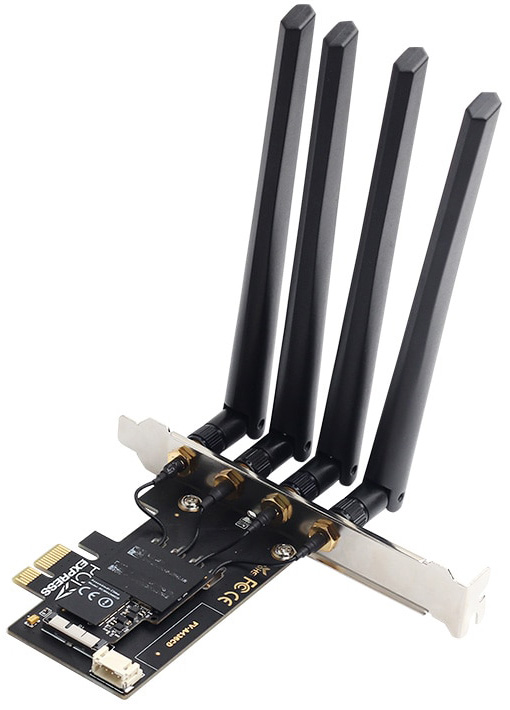
Wi-Fi and Bluetooth card: BCM94360CD
This is a card made for Hackintoshes. I do not want to give up unlocking the computer with my watch, Handoff, AirDrop, and all the other features unique to Macs. So it was obvious that this had to be a card from a Mac, adapted for installation in PCI—this way it will work without additional kexts now and in the future. Ever since I switched to real Macs, I knew that if I ever returned to a Hackintosh, it would only be with this type of card. I decided on it even though I already own a BT module that works with Macs and even though the motherboard has a Wi-Fi card that works under macOS.
I chose a slightly older model so I would have the same one as Wojtek, because it will save me from digging around in boot-loader files (update: there is no need to dig around regardless of the model; after all, these are chipsets from original Macs). Besides, on AliExpress you can get this card for $50, which is a very good price. You just have to be careful not to accidentally buy only the adapter—those are even cheaper, except they do not include the most important part, the Wi-Fi/BT module.
Drives
SSD Samsung 860 Evo 2TB
I have this drive in my Mac Mini and keep all my photos, videos, etc. on it. I do not need anything faster for that, so I will move it to the Hackintosh. I just do not know whether it will stay as it is now—in a USB enclosure—or whether I will put it directly into the M.2 slot on the motherboard. Unfortunately, I will have to reformat it from APFS to exFAT so that all the data is also visible under Microsoft's system.
SSD Samsung 970 Evo Plus 1 TB
This is the Windows drive for several applications and games. High read speed is very important here for loading times.
SSD Samsung 970 Evo Plus 250 GB
The drive for macOS. From my experience with the Mac Mini, I know that with a separate data drive, 250 GB for the system and applications is already a huge excess, so buying anything larger would be pointless, especially since faster write speeds are of no use to me.In theory I could use any drive, although not entirely, because the ones I chose did not work with macOS until this was later fixed in firmware. But once the bug was patched, there was no obstacle to buying them—they now work great with Hackintoshes. I do not use any HDDs. Those are in my NAS for backups and media, while everything I need at the computer is on SSDs.
CPU cooling
When I had my last PC, air cooling made no sense at all when overclocking was involved. Today, on the one hand, I would happily water-cool everything again—I have even chosen a case for that purpose (Thermaltake Core P5) and a 4800 mm Thermaltake radiator—but looking at test results, I know it would not make much sense. Especially because there is one thing about liquid cooling I will never miss: removing the cooling when replacing components. For example, changing the graphics card means unscrewing the water block, draining the liquid, fitting a block to the new GPU, cutting and bending the tubes, filling the system, and bleeding it. Admittedly, there are kits connected separately to the CPU and GPU, but then you lose the advantages of a gigantic radiator, and I could not justify such a configuration knowing what performance the Noctua NH-15 delivers.
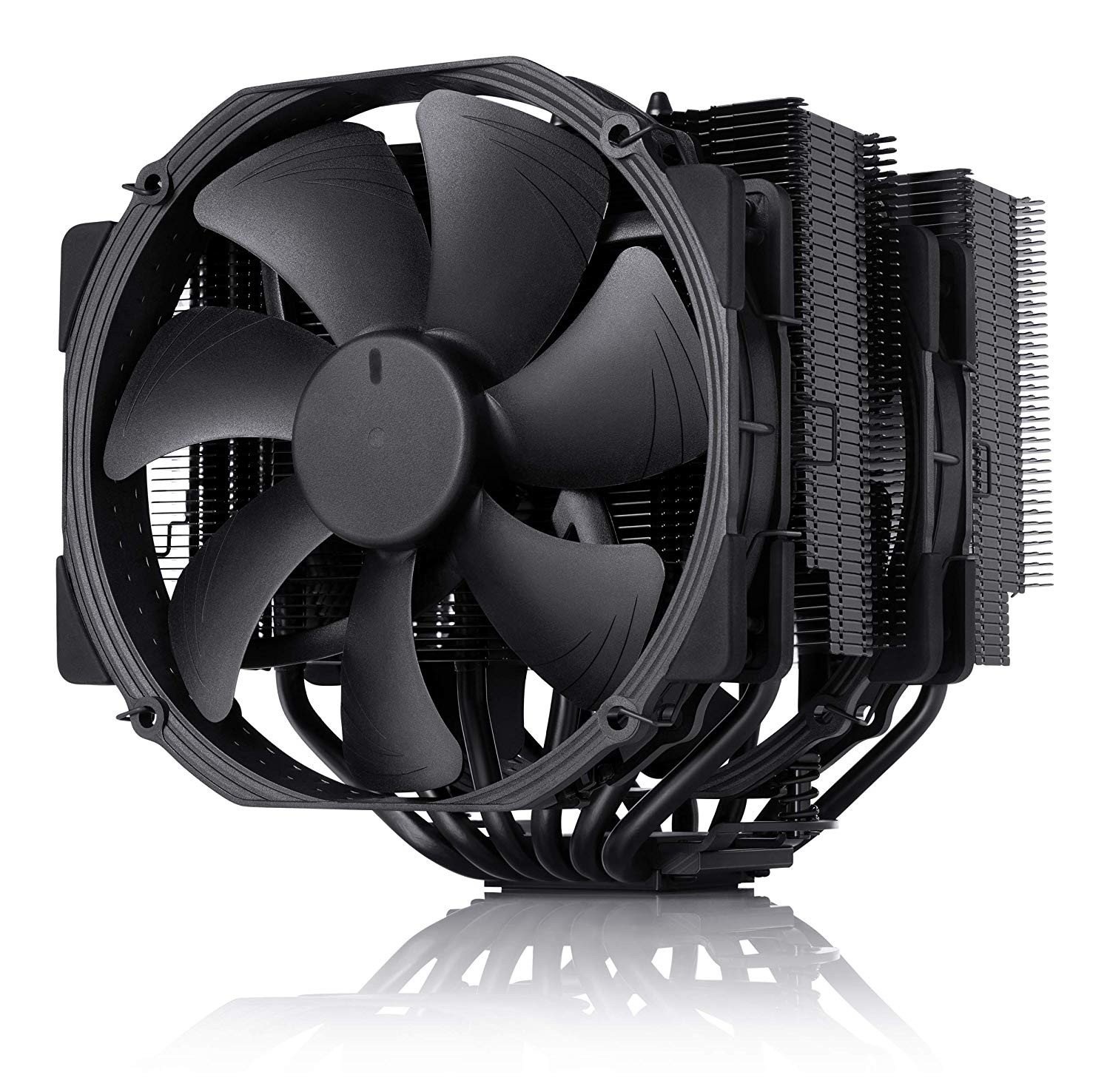
Noctua NH-D15 chromax.black 140 mm
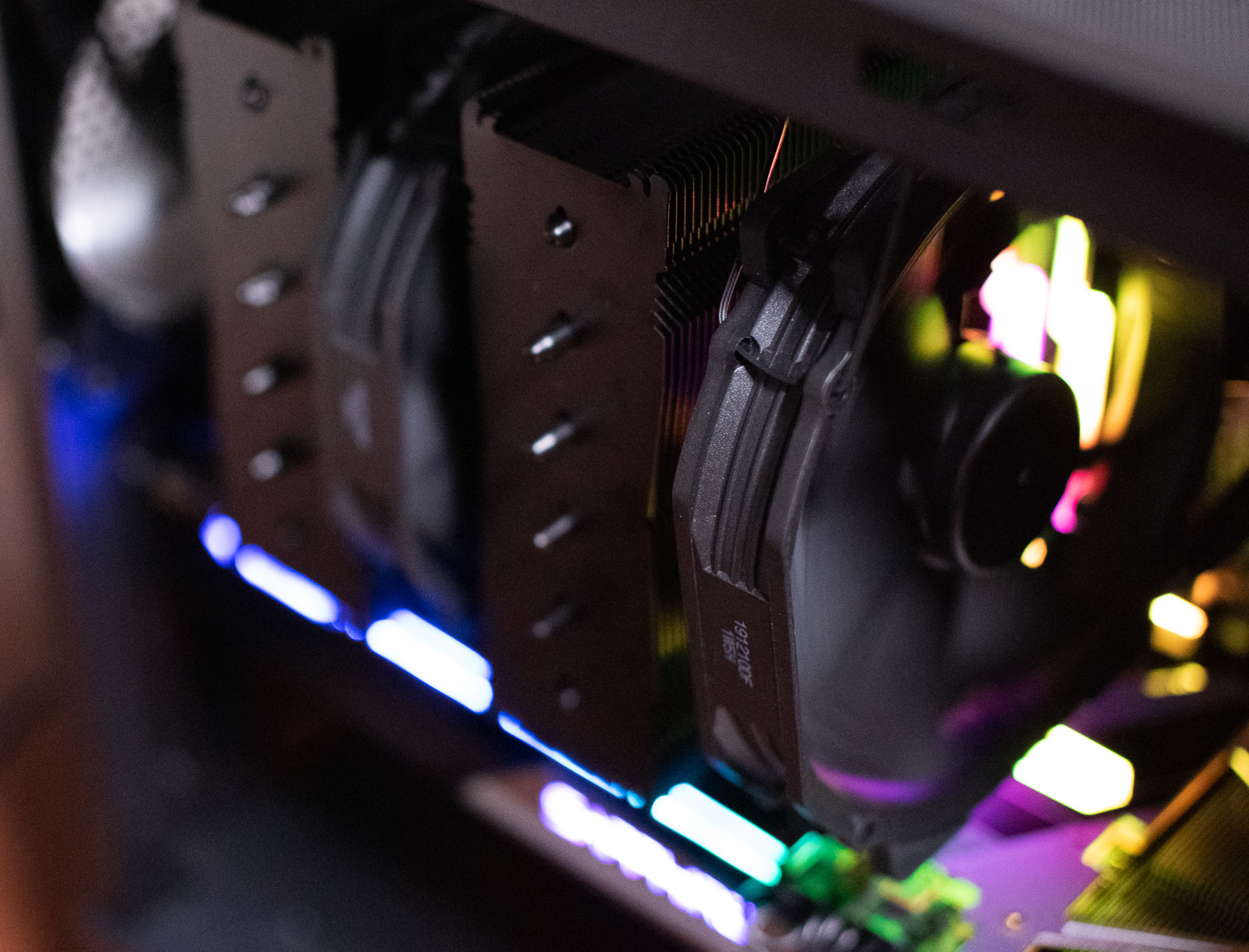
This is another component identical to the one in Wojtek's NLEstation 2020, but my research shows there is nothing better to replace it with. The problem is that this Noctua is gigantic, so it will not fit in every case—only models with room for a 165 mm CPU cooler remain. But the advantages outweigh that: excellent performance and silence are what I expect from CPU cooling, and according to all the tests, this Noctua provides both.
Power supply
This is the first thing I am still unsure about. The power supply has to be good, have power to spare, and cannot make more noise than the other fans, which is not simple.
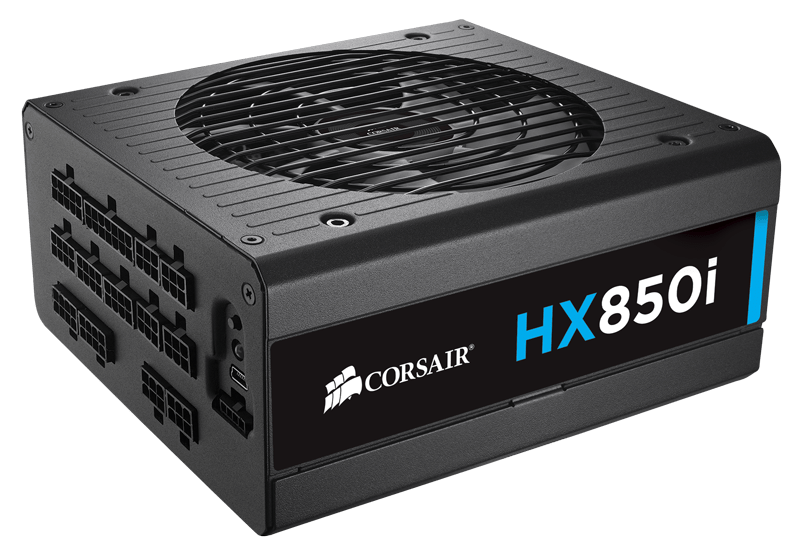
Corsair HX850i (850W)
I may choose this exact model. Corsair units from the RX series are often recommended in guides focused on silence. RX is supposedly the higher series, so it should only be better, but I am not certain. One advantage is that in Thailand this model is very well priced compared with the rest of the world, because after conversion it costs just under PLN 600.
Case
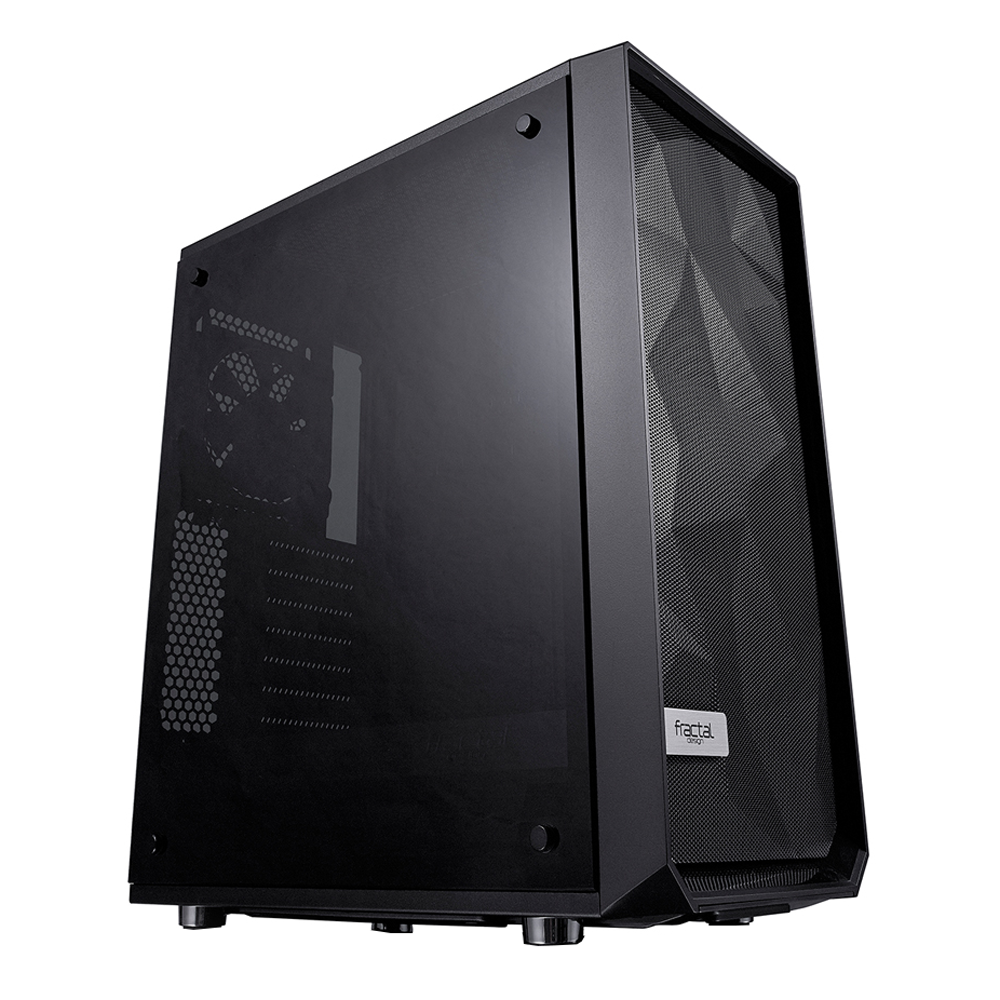
This is the second thing I am still unsure about. I spent a long time looking for an alternative to the Fractal Design Meshify C case Wojtek chose, but because we have similar requirements—excellent airflow and a size without unnecessary spare room—I keep coming back to it, because this is the case mentioned in every comparison of models with good airflow. Everyone also praises its build quality. There are other models with good airflow, but their design puts me off, or they cannot fit a CPU cooler as large as the one I will install. I still need to look a little more, and perhaps I will finally find something minimalist, well made, and with the right dimensions.
Unfortunately, for some reason all Fractal Design cases are twice as expensive in Thailand as, for example, in Poland. Admittedly, compared with the cost of the whole computer, spending PLN 700 on a case instead of 350 does not make much difference, but I do not fully understand why I should pay such a penalty. One chain store supposedly had a normal price, but they are out of stock, so tomorrow I will probably ask whether they will be back.
Summary
Initially I did not know whether this computer would be assembled now or in a few months. I decided there was no point waiting. The set should be assembled within 2 weeks at the latest, and perhaps in just a few days. The first parts have been ordered, while I am leaving until the end those I can buy next to my apartment or have delivered within 2 hours. I will probably order them sooner, but not necessarily tomorrow.
At first, however, the computer will run only Windows. I will install macOS a little later, because the Wi-Fi card will probably be the last part to reach me and its arrival may drag on. I do not want to use a crippled Mac or configure it first for the built-in Wi-Fi and USB Bluetooth, then configure it differently later.
Not entirely pointless silence
My pursuit of silence may not actually make much sense, because the room with the computer often has the air conditioning on. With minimal airflow, admittedly, but still. However, when I record audio, the AC is turned off, and then a loud computer would be highly undesirable.
P.S. Remember to listen to Nadgryzieni!
I officially confirm that this is the longest episode of Nadgryzieni in history, about 23 minutes longer than the previous record holder.