Working while standing, or editing photos at an electric height-adjustable desk - the Ikea Idasen in my case

For a long time, I had been thinking about a desk with electric height adjustment, the kind that lets you alternate between sitting and standing while working. Friends had praised using a computer this way for years, and it is obviously worthwhile for health reasons. But I was concerned about whether retouching photos like this would be comfortable. Working on a pen tablet is very different from typical office computer use, so while I had no doubts about writing while standing or even working in Lightroom, more advanced photo retouching gave me serious pause.
In the middle of last year, I finally upgraded my home office, which included adding a sit-stand desk. Enough time has passed for me to form an opinion on how it performs for retouching and the other tasks I do at the computer. In my case, that additional work is mainly writing, both emails and articles tens of thousands of characters long. I also do lots of things related to WordPress and sometimes edit video in Final Cut and ScreenFlow. Since changing the office, I once again sometimes spend a large part of the day at the computer. Consuming content is definitely a small part of that because I still prefer the iPad for it, while movies are for the larger screen in another room. So when I am at the computer, the keyboard, trackpad, mouse, or pen tablet is in use almost constantly.
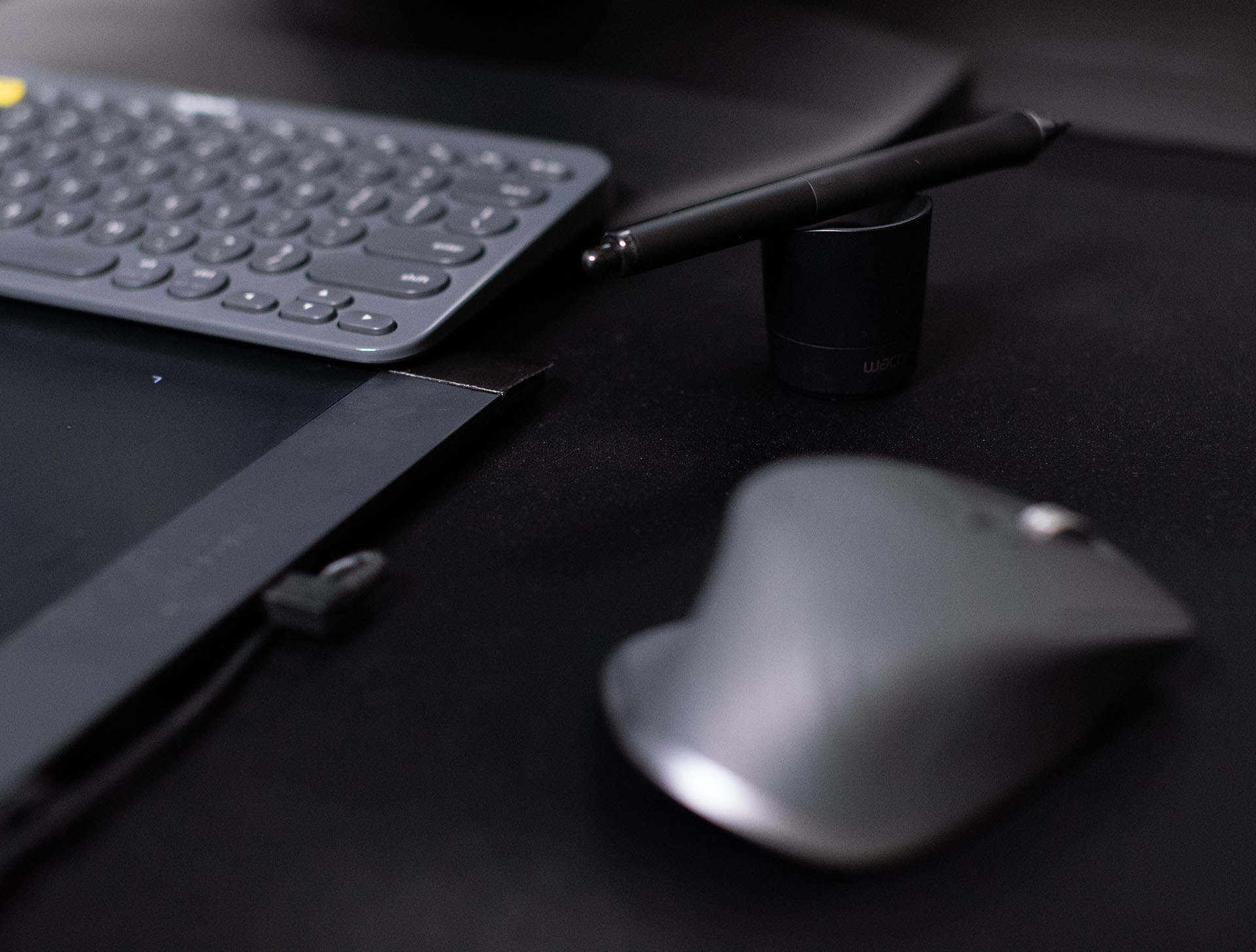
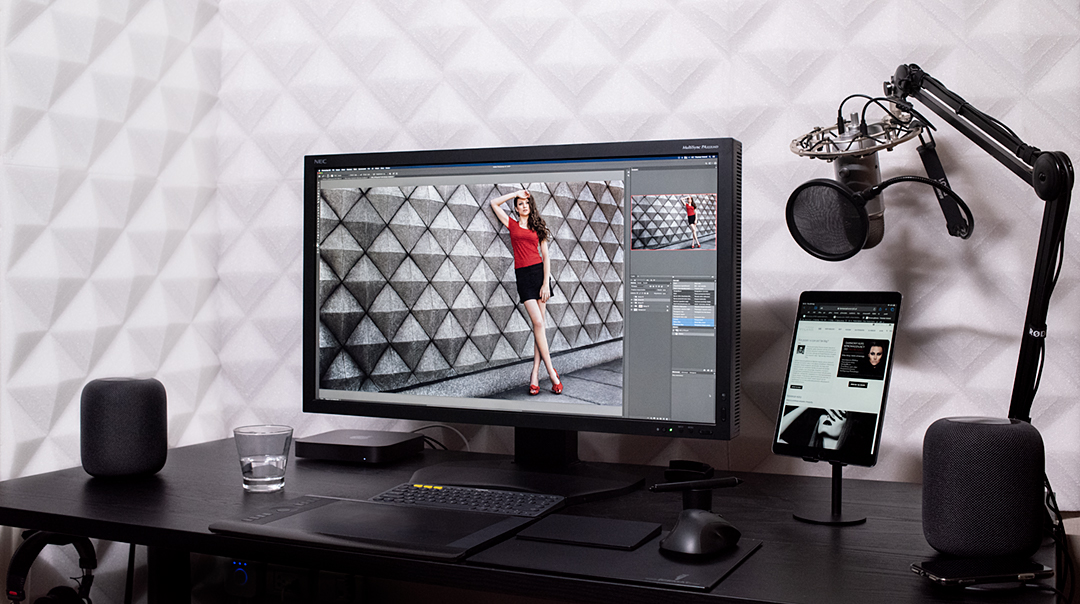
As you can see, most of the desktop is now covered because all my peripherals sit on a gigantic fabric mouse mat. It is also meant to reduce sound reflections slightly during audio recordings, hence the 120 x 50 cm size. The mat spoils the design, but it is staying for now because it is practical.

The disaster of my previous desk
There was a time when I greatly reduced how long I spent at the computer. A few years ago, I bought a computer desk that turned out to be a complete disaster. Its top was too small and it was too high for me to use it comfortably. It was fine for short tasks, but working there for longer periods was so unpleasant that I did many things elsewhere. Sometimes I worked at the table in the next room, although I took my swivel chair with me. I also spent loads of time in cafes, where the conditions for my spine were definitely not as good. Retouching, which had to be done in the office, became something I did not want to face. Eventually, I decided that I had to turn the office into a place where working was a pleasure and where I would happily sit for any number of hours, whether retouching, editing video, writing articles, and so on. Above all, that meant putting in a large, stable desk, preferably with adjustable height. I had taken care of the chair a few years earlier, while the lighting and everything else had already been sorted out for years.
Why stand up at all?
I suspect many people still do not realize how badly working in one position for a long time wrecks the body. We all supposedly know that we should not sit continuously for long periods, but looking at the statistics can be frightening. Only after spending more than a dozen years sitting at a computer did I learn how big a problem this is today, and I will not pretend to be an expert. If someone does not want to dig into typically medical material or search Google and risk finding alternative-medicine lunatics, the November issue of iMagazine summarized it quite well in an article by Justyna Jakubczyk on page 183, with references to various studies. If I had not already owned a desk like this, I would have ordered one after reading that article. Of course, the point is not to stand all the time. It is about changing positions. The best working position is your next one.
Concerns
When I sit and edit photos on a pen tablet, my elbows rest on the chair's armrests, which would be impossible after standing up. In the past, when I did not have adjustable armrests, I moved the chair under the desk and rested part of my arms on the top. It was a less practical solution but good enough, and I suspected I would cope the same way while standing. In the end, I asked about other people's experience of editing while standing on my fan page. The response was surprisingly large and entirely positive. The answers confirmed my decision that my next desk would support both standing and sitting. With electric adjustment, of course. I never even considered a hand crank, and I do not think anyone should. My greatest concern was stability, particularly near the maximum height.
In practice
Fortunately, the Idasen I bought proved stable enough, and retouching while standing is comfortable. I raise the desk for no more than 20 minutes and do not do it regularly because I take short breaks much more often than I used to. For the same reason, I also sometimes work only while sitting for many days in a row. At other times, I raise it constantly or start work while standing. If it had been adjusted with a hand crank, I guarantee I would have used it no more than five times in my life before deciding I could not be bothered anymore.
Returning to the electrically adjustable desk, if I spent eight hours a day at the computer, I would set a reminder to change position at least once every two hours, and preferably every hour. I think that is standard with desks like these. On mine, it is done through a smartphone app:

The same application is also used to program favorite heights, which then work not only from the app but also synchronize with the settings of the desk's control lever. In fact, this is the only way to program it.

In any case, I work on photographs perfectly well while standing, but there are tasks I sometimes outright prefer to do with the desk raised, and retouching is not one of them. Sitting still wins there. Above all, I find writing while standing excellent. If I have a very long article to produce, the desk moves frequently. If I were going to show someone something at the computer for a moment, I would unquestionably prefer to do it with the desk raised, especially with several people. Everyone can then come closer and see what is happening on the screen much better.
Changing the height works so well for me that I would definitely miss the option. But this is not only about changing position. It also lets you adjust the desk very precisely for your height. A chair with every possible adjustment is one thing, but it cannot solve everything. If the desktop is at the wrong height, your arms or legs will be at a bad angle, which is exactly what happened with my previous furniture.
My preferred desktop height settings
I experimented a lot with which heights would be most comfortable, but ended up with very standard settings. My first desk position is currently programmed at a height of 65 cm. With my height of 187 cm and the chair set for maximum comfort, I could work like that for long hours without unnecessary fidgeting. Besides, 65 to 70 cm is probably the most common height among standard computer desks. I have set the chair's armrests so they form a natural extension of the desk. When I use the pen on the tablet, my elbows rest on the armrests. No matter how many hours I work this way, fatigue in my arms remains practically zero.
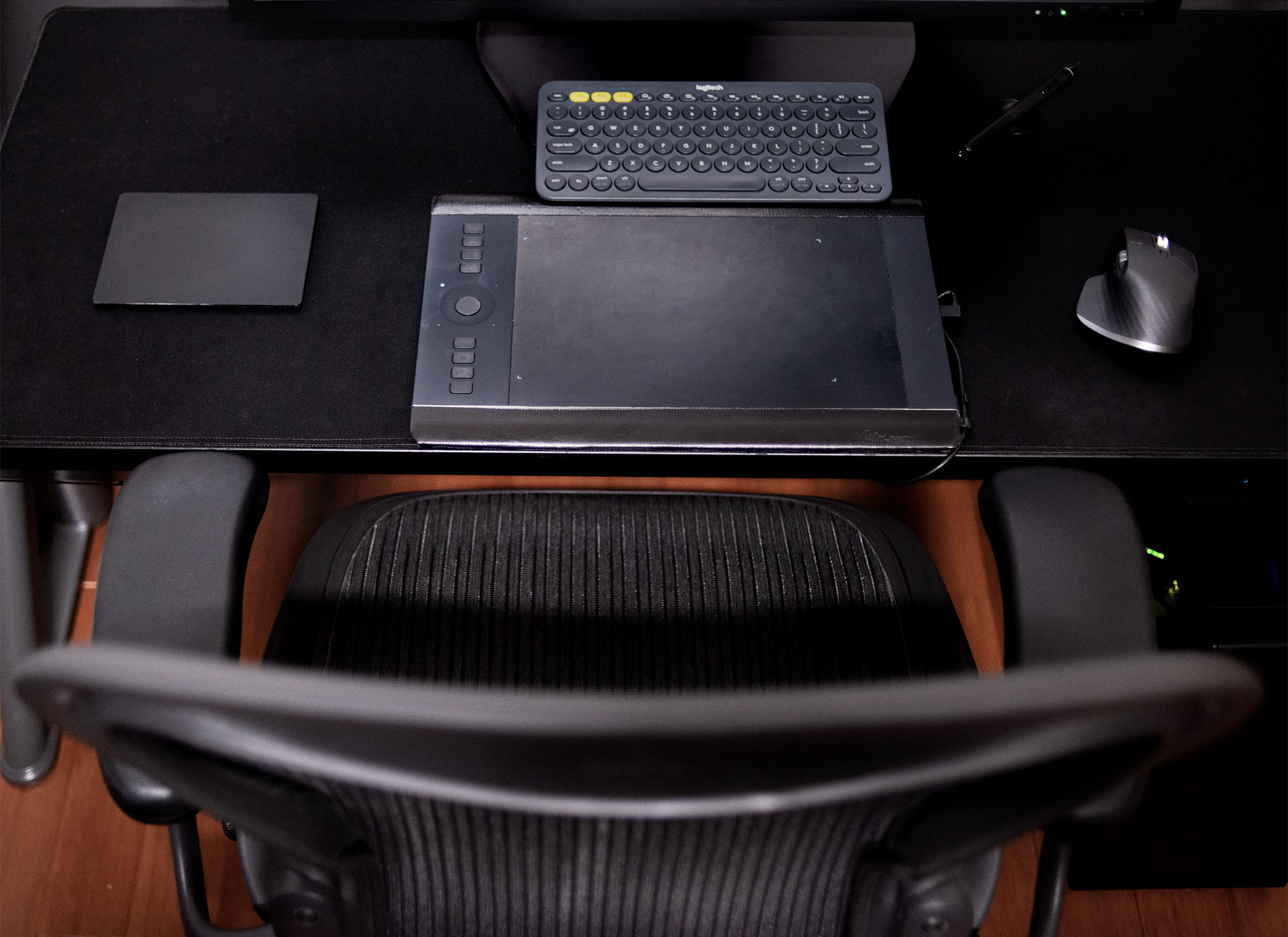
I have the next height set to 112 cm and the last to 120 cm, although those are obviously for standing work. At 112 cm, my elbows are a little too far from the desktop for me to rest my arms comfortably, while the bottom of the monitor is slightly too low relative to my eyes. But as long as, for example, a text document is in the upper half of the screen, it is perfectly okay and a good position for writing short notes. At 120 cm, my head is already in a position very similar to when I sit.
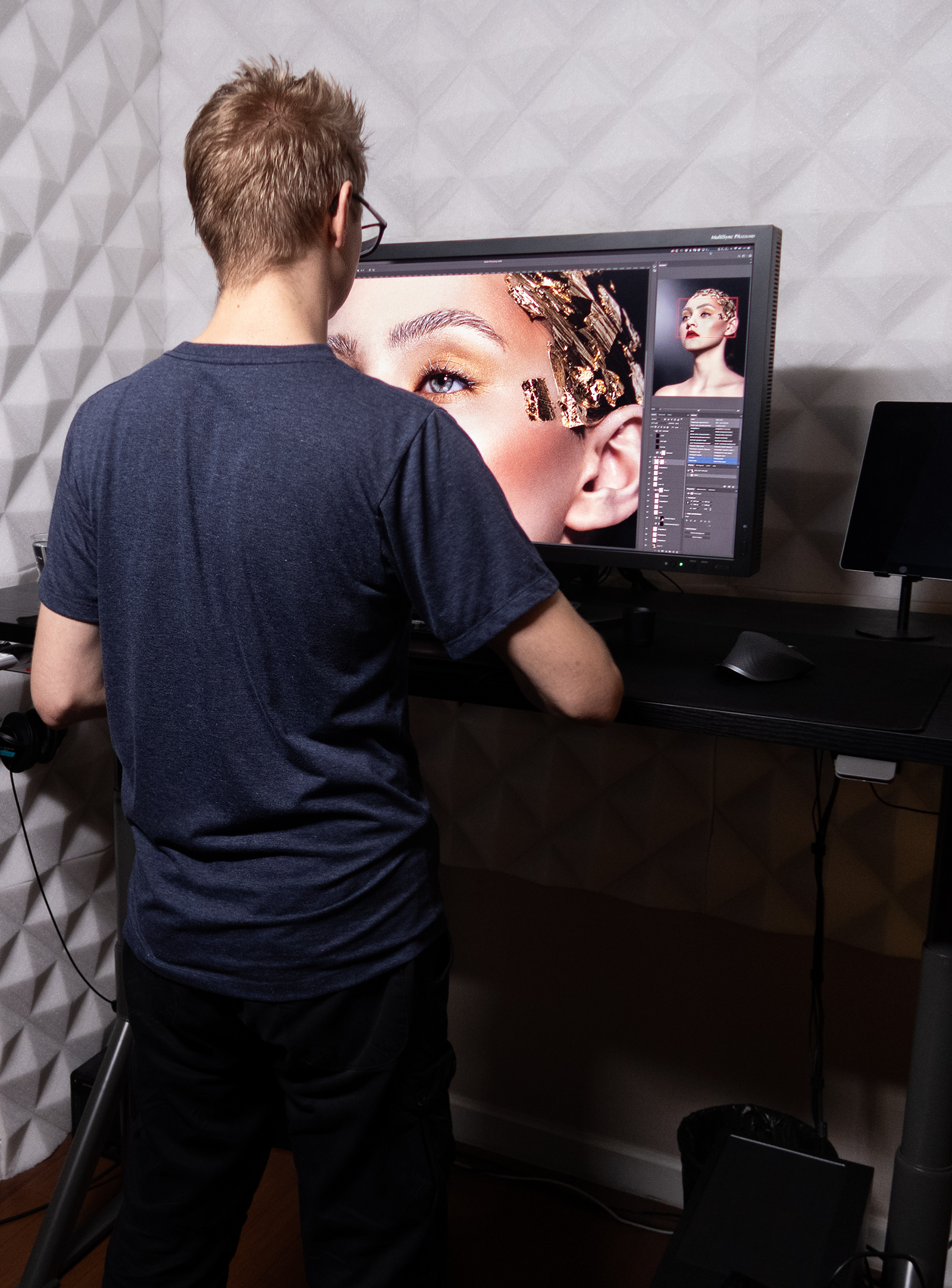
So I change the setting depending on whether I want my head completely straight or slightly lowered, and how long I plan to work while standing. I am still wondering whether 118 to 119 cm might be better, but for now I am leaving it as it is. The motors are not loud, and height is adjusted using a lever that can be programmed with three favorite positions.
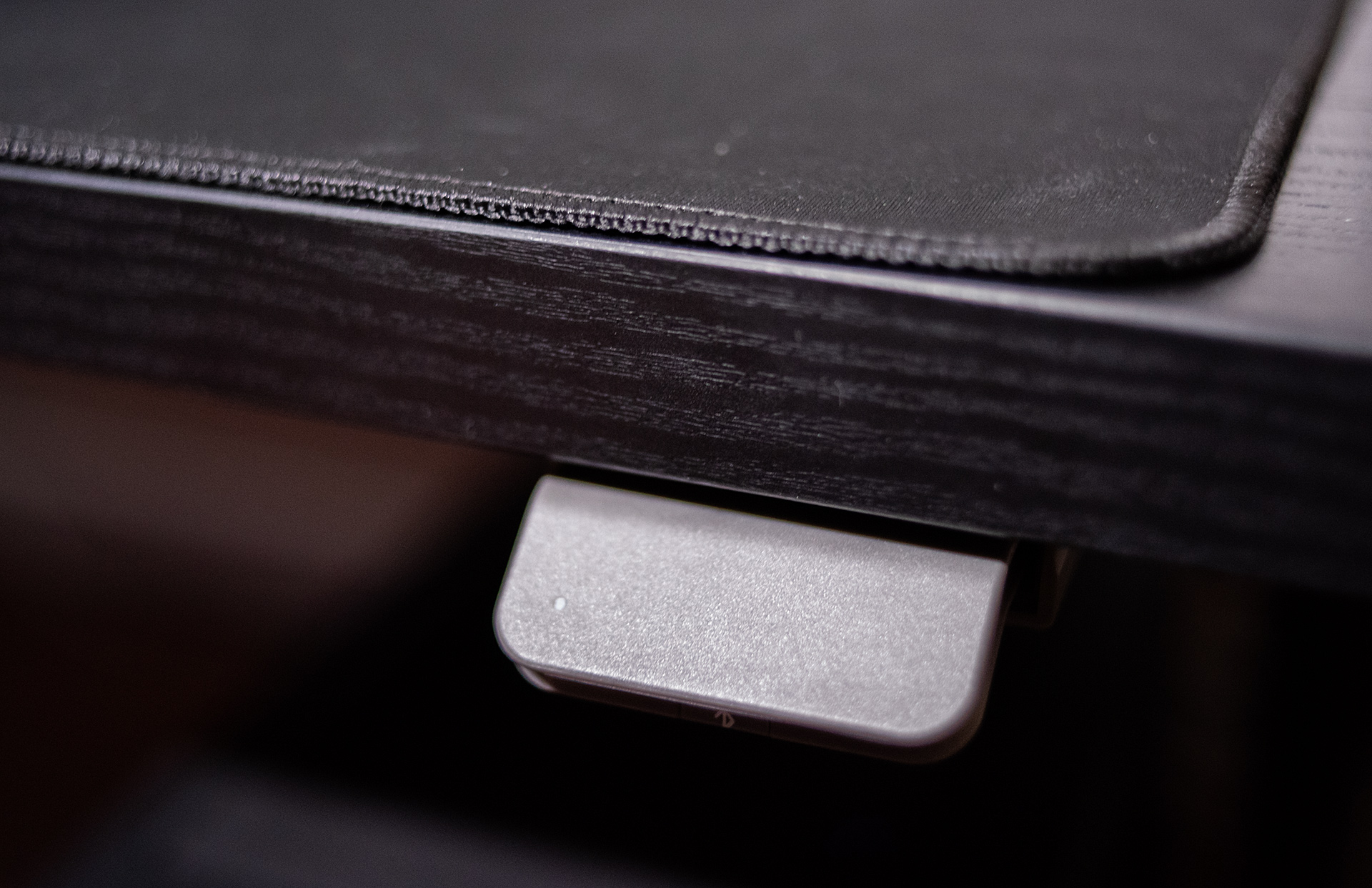
This means that while changing height, the motors will stop at a set position. If you want to select another one, you only need to press the lever again. I did not discover this function until several days later. Before that, I tried to set a comfortable position by eye, each time wondering whether it might be 3 cm too low or too high and constantly correcting it. Now my chair is set for the desk so everything lines up to the centimeter. If it were impossible to save specific settings, I would probably install a ruler somewhere, attach a laser to the desktop, or mark a reference point in some other way. Otherwise, I would forever wonder whether it was definitely at the height I had found most comfortable. It is a great shame that it does not work like some other desks, with three buttons assigned to specific modes. With those, you press any one of them for a moment instead of holding it until the target height is reached. I would also like to connect this to HomeKit, or at least Siri Shortcuts, but I will not do that myself. I am waiting for someone else to write a ready-made Homebridge solution. Then I will say "Hey Siri standing desk 1" or something, rather than holding the lever for several seconds.
Update: a menulet for controlling height in macOS
After installing Desk Assistant, a menulet appears. You just click it, and the height changes without any need to hold the button the whole time.

The Idasen desk
As I mentioned in the introduction, I did not choose anything fancy, only the 160 x 80 cm version of the Idasen desk from Ikea. You can see the desk best in my old photos, before fabric covered almost all of it:
It is even easier to see in the manufacturer's materials:
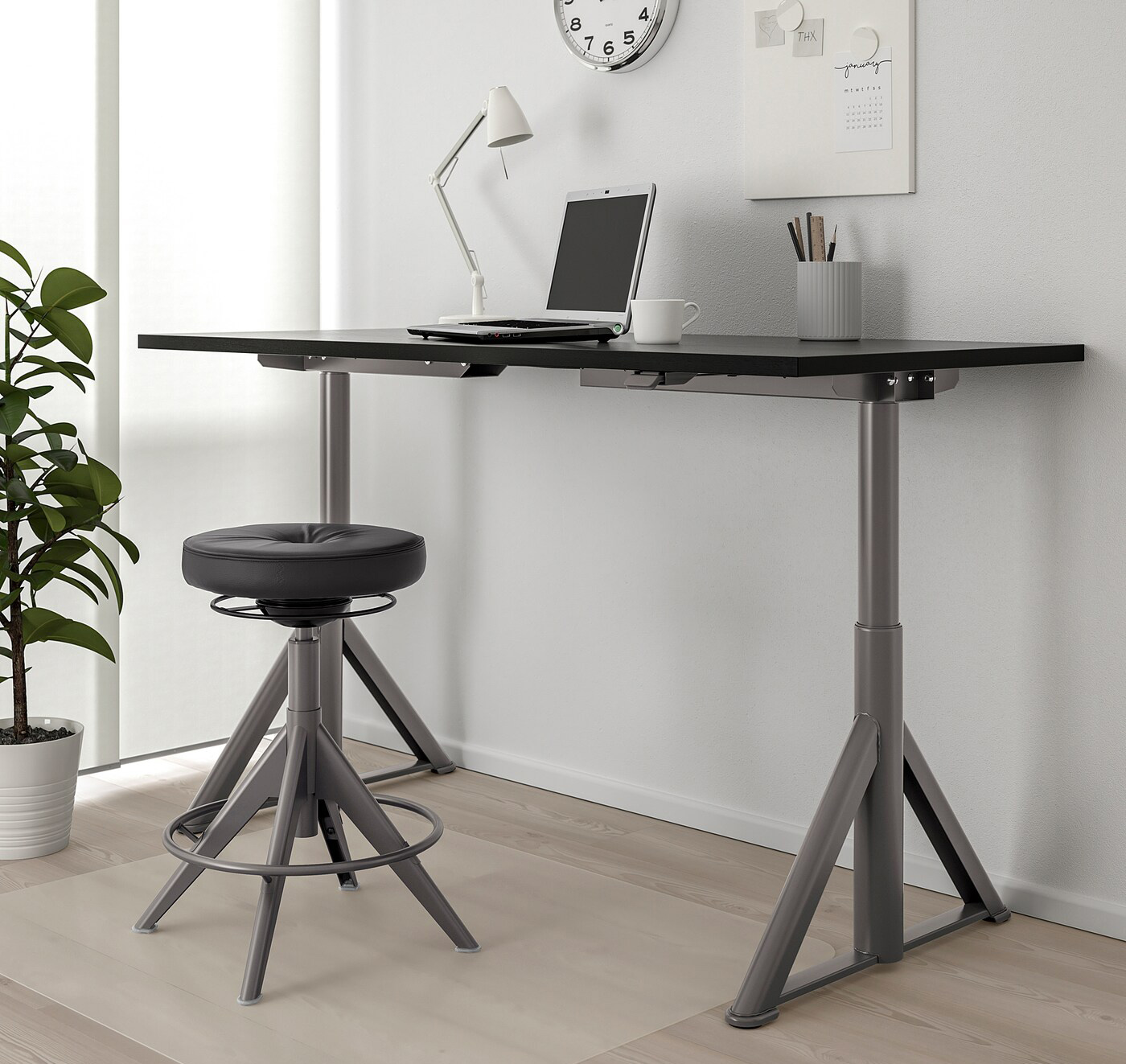
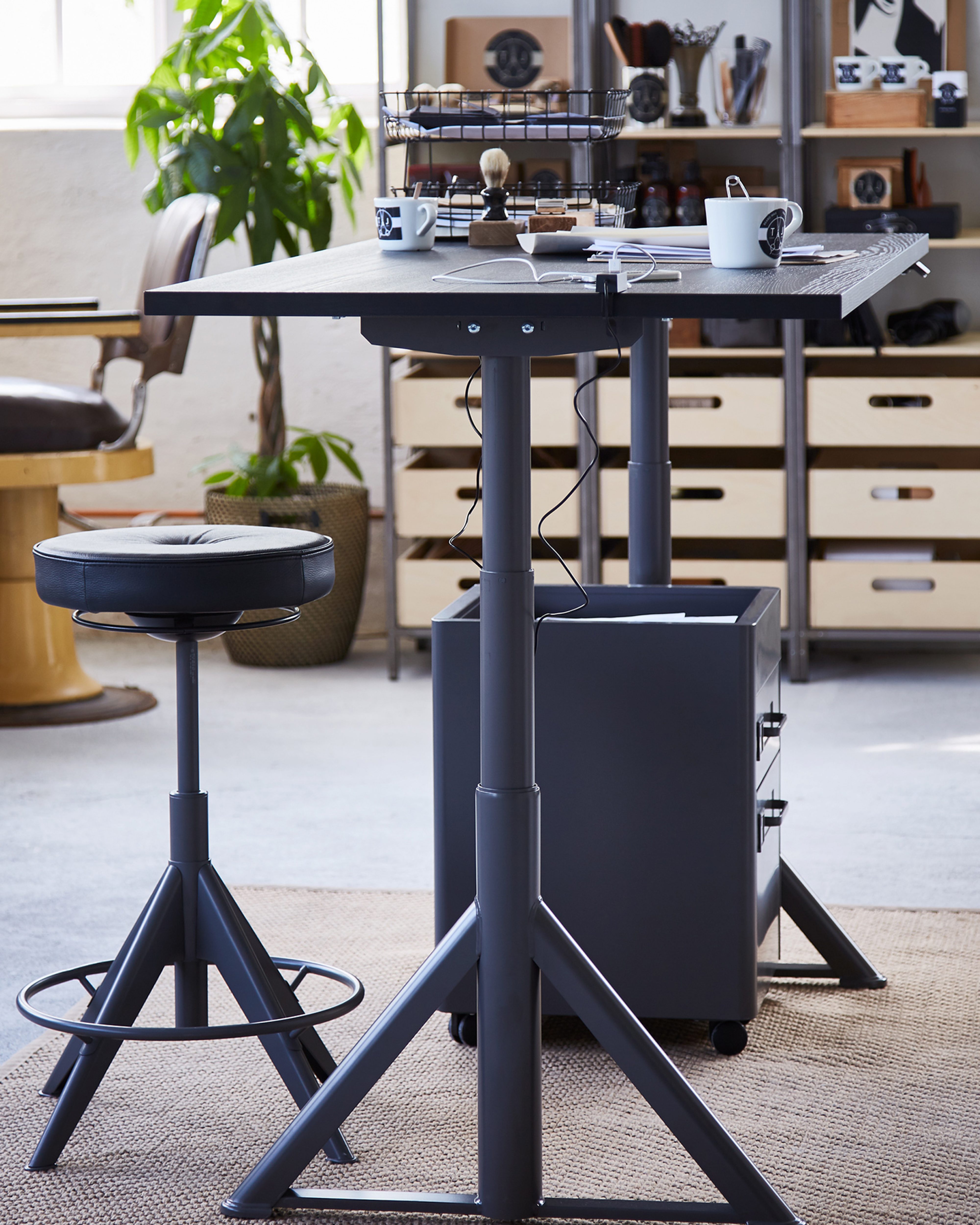
There is also a 120 x 70 cm version, which is definitely too small. These desks are available in Poland, but of course I bought mine in Thailand. I was very surprised to discover that Ikea products here also require self-assembly. Thai people do not do anything themselves unless it is absolutely necessary. Even when I ordered a home theater set, installation was available for some laughably small fee. I think everything else included assembly as standard.
Fortunately, assembling it myself was simple and caused no problems. The instructions recommend two people, but I have no idea why. It is only a matter of screwing in various screws, later turning the structure over, and placing the top on it. If someone is very petite, help might actually be useful at that stage. After about an hour, the whole thing was ready to use. With experience, that time could probably be reduced very considerably.
Lord of the cables
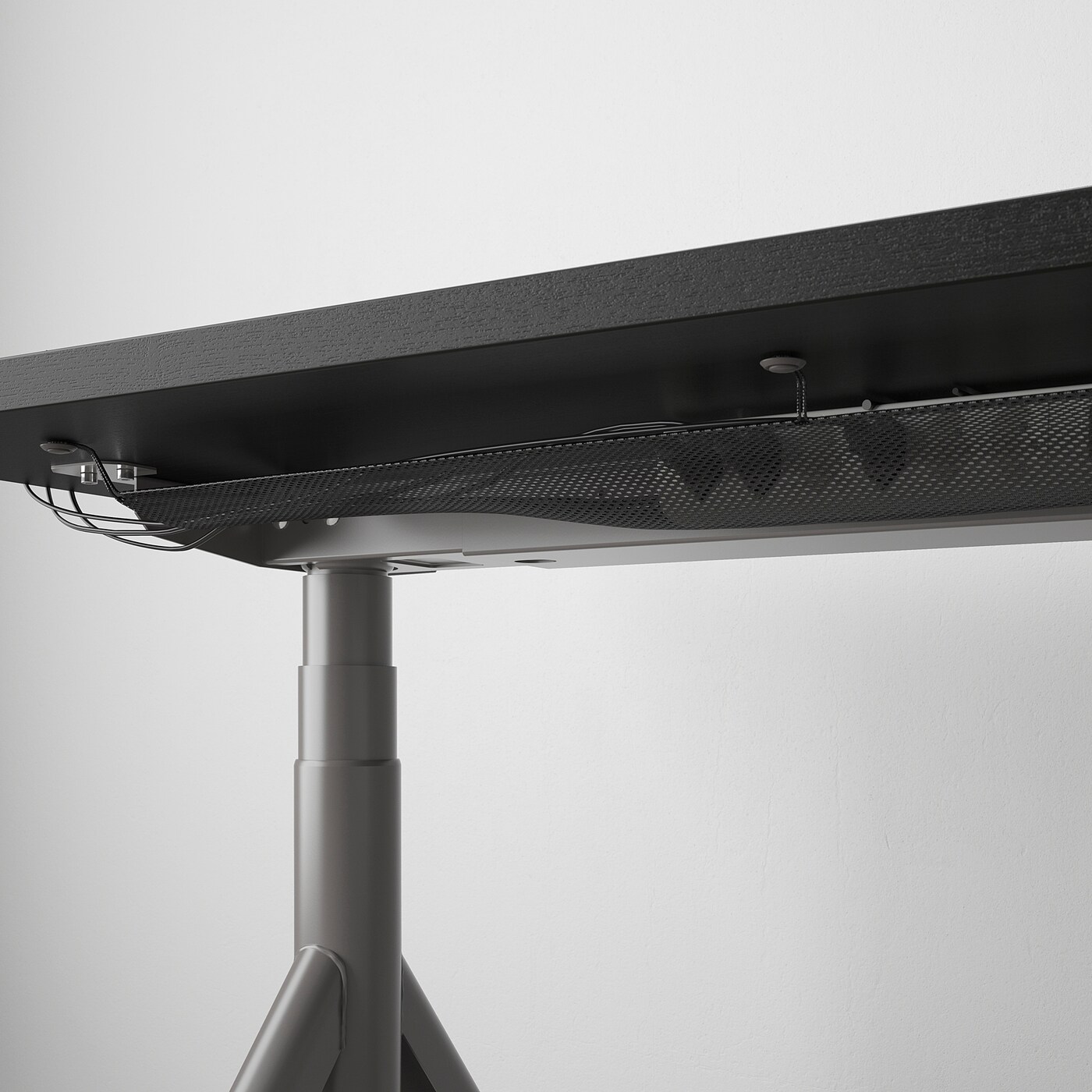
Assembly may have gone smoothly, but I think I spent most of the day sorting out the wiring, followed by adjustments throughout the next week. I was determined not to have any hanging cables apart from power and possibly Ethernet. When I changed to a computer placed under the desk rather than on top of it, the whole "game" began again, and I still have not really finished it to this day. In any case, there is a mesh beneath the desktop that makes it possible to control the cables:
After installing my PC wiring, however, it looks like this:
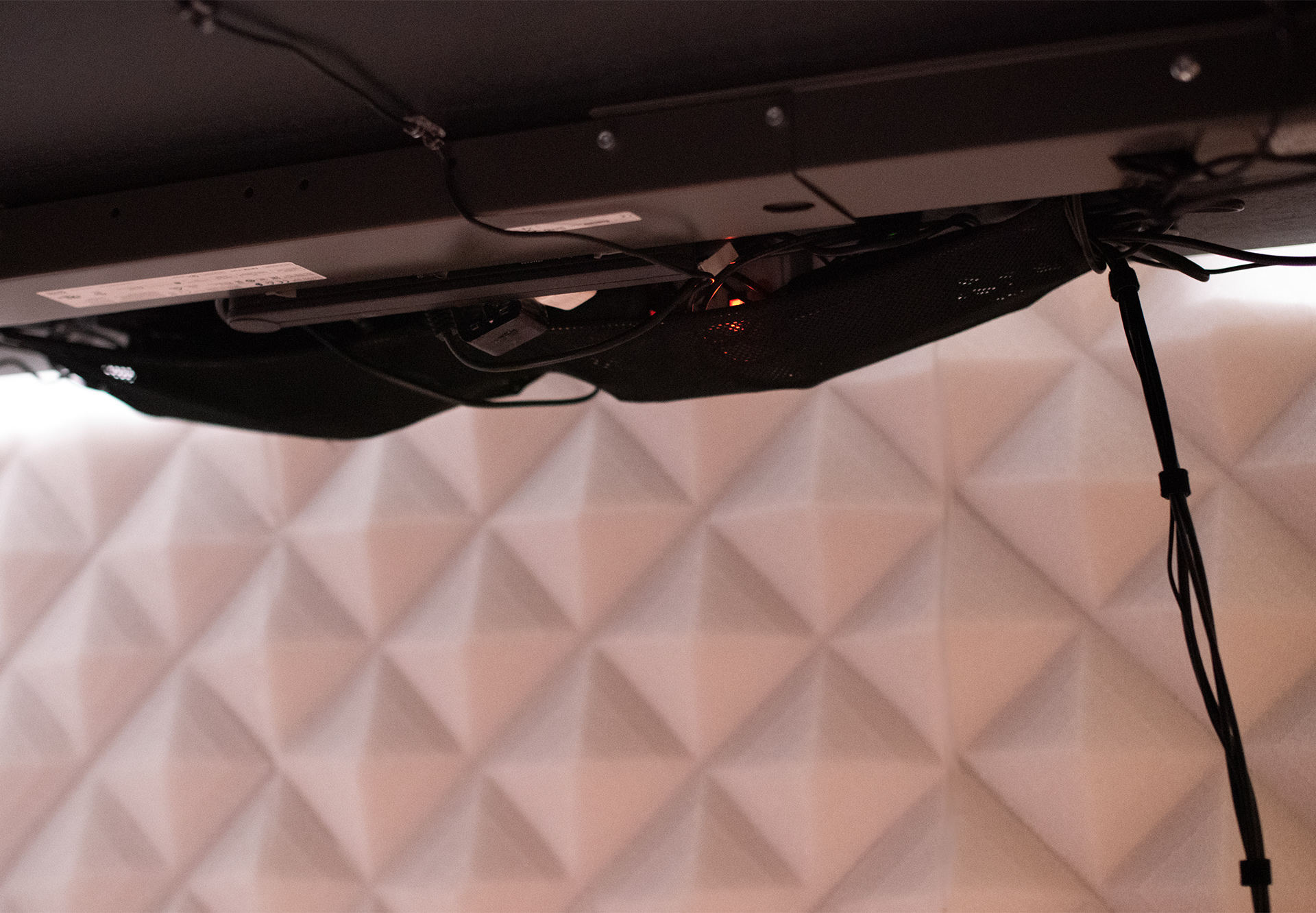
The power cable comes out of the frame just below the desktop. It is a bit of a shame they did not think of installing it inside a leg somehow so it would emerge just above the floor. Then even that one cable would not be visible.
I badly missed having a drawer because I did not buy a huge desk just to clutter it with things that should be hidden. In the end, I used heavy-duty tape to attach a piece of plastic bought from an office supply store:
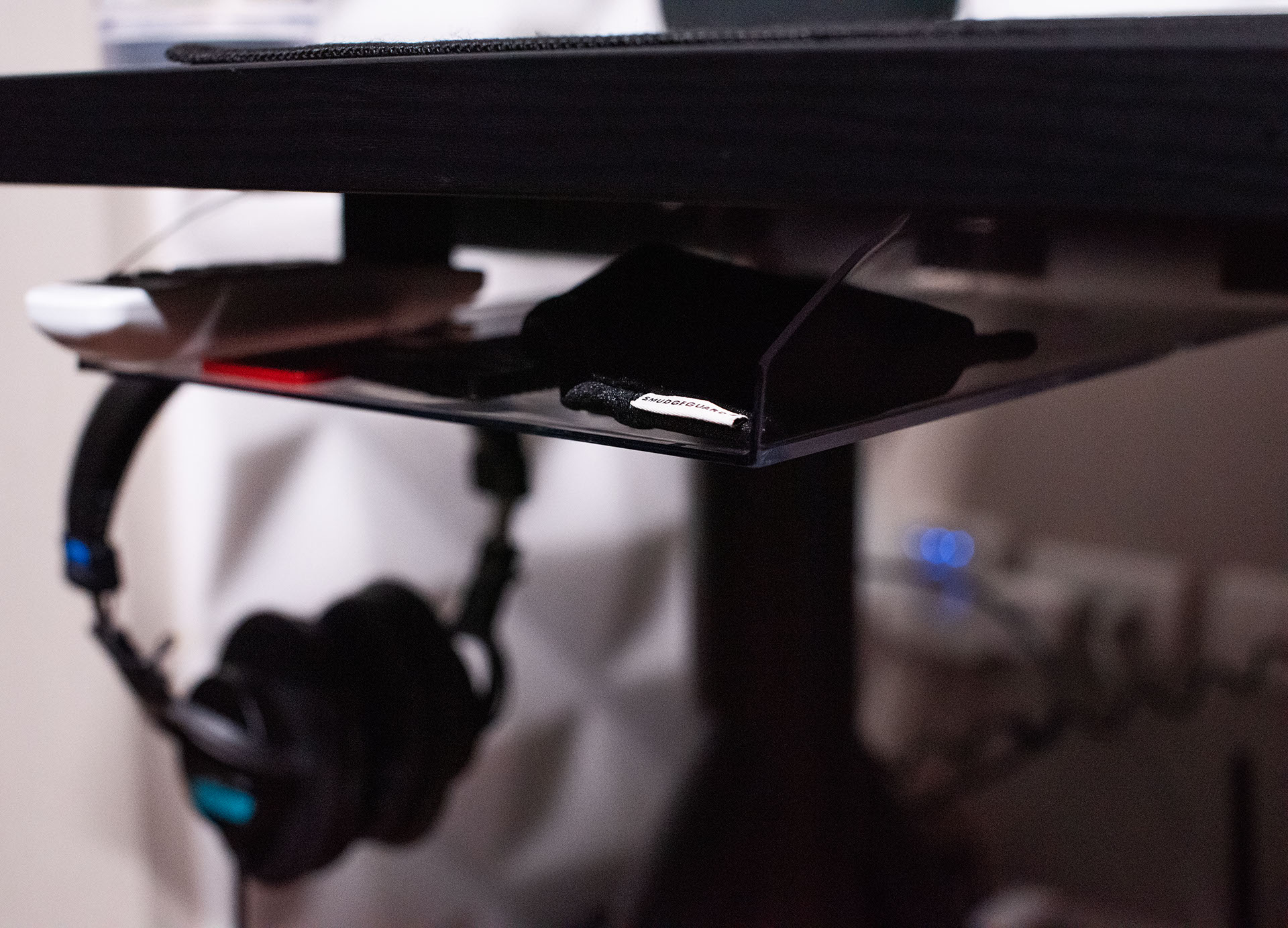
Bekant vs. Idasen
Ikea has one other desk of this type. It is sold under the Bekant name and was available much earlier, which is why it was the one I initially considered. Especially since a friend has used one for a long time and speaks highly of it. The Idasen arrived in Thailand later than in Poland, literally just after I decided that I had to find something for myself. People on my fan page told me that the Idasen was clearly more stable than the Bekant, so I did not investigate further and simply ordered it.
I am satisfied
After almost a year, I am very satisfied. The desk still looks and works like new despite fairly frequent use. But one year is nothing for equipment like this, and we will see how durable it is after 10 years. I mentioned that I would like to automate the height changes with Siri. Once I manage that, I will need nothing more to be happy.