Photoshop CC subscription for around PLN 50 a month
Evolution
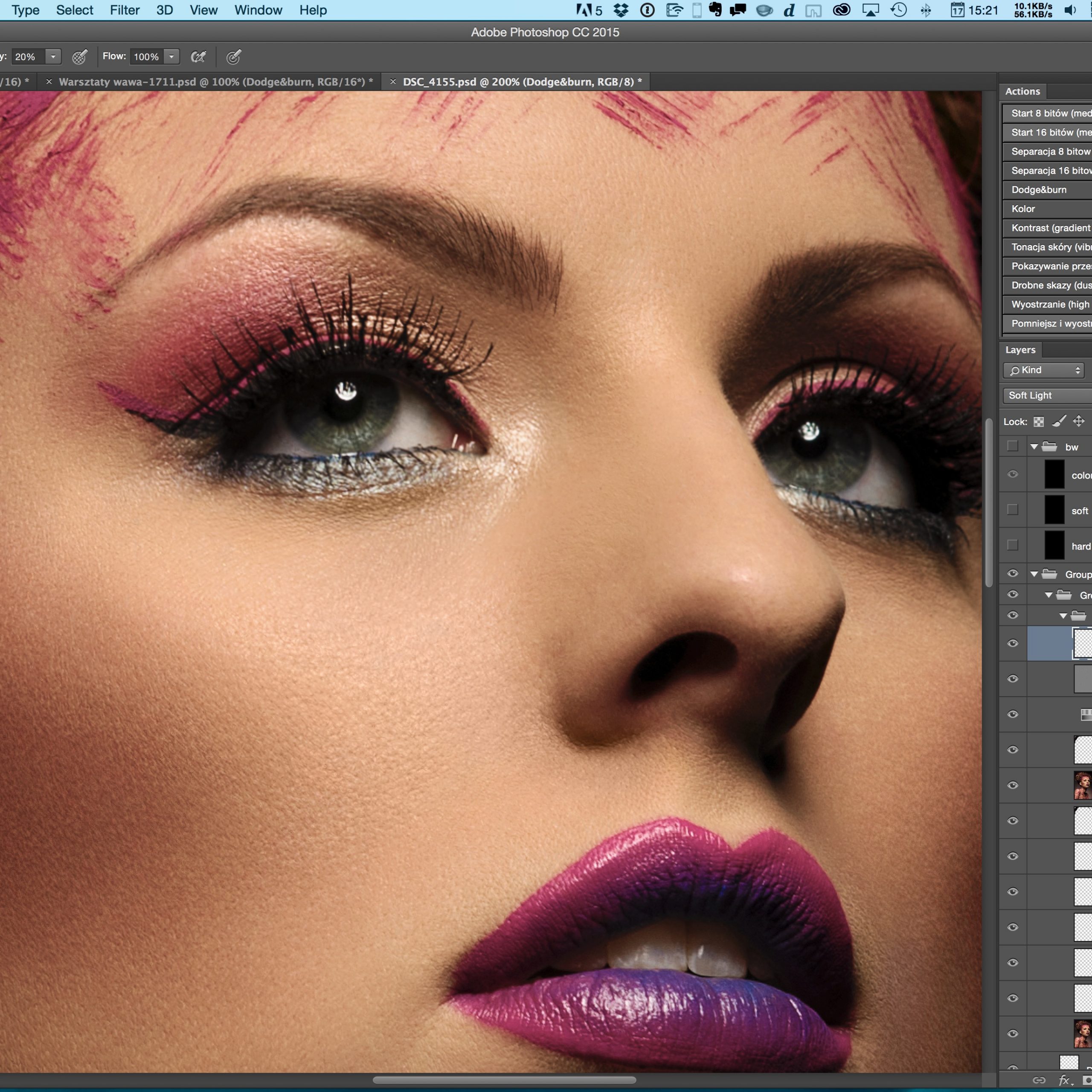
Between Photoshop CS2 and the versions that followed, all the way through CS5.5, I didn't see much difference. The move from 32-bit to 64-bit was certainly a breakthrough, but using the program itself remained unchanged. CS4 added the Vibrance filter, which I use in many ways. But it wasn't until Photoshop CS6 that retouching became much better for me. The incredible improvement in speed and background file saving were the most important changes, but there were many more. It was the last Photoshop you could buy under the old rules: pay a lot of money up front and own it permanently (at least in theory). Instead of CS7, we got Photoshop CC, the subscription version.
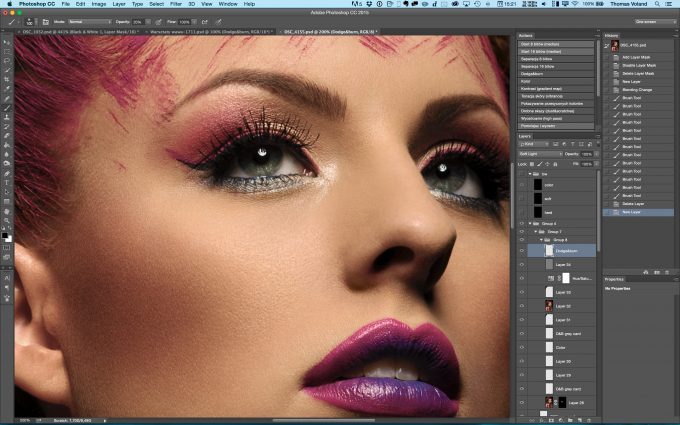
CC introduced several improvements, but few that mattered much for retouching and a few more for photo editing in the broader sense. The latest version, 2015, changes far more for me. Speeding up the program was the priority. The skin-correction tools got a huge boost. The "Spot Healing Brush" and "Patch Tool" now work many times faster (they're said to be 120 times faster). But I'm much more interested in the "Healing Brush" (the regular one, not the Spot Healing Brush). It now works live: when you correct something, you see the changes immediately. Previously, the final result only appeared after you finished making the correction.
The dehaze option for RAW development makes a great impression and will definitely be useful to people shooting outdoors. Besides improving the applications, Adobe is also introducing its own stock photo service, fully integrated with CC apps. But that is more useful for design than photography, so I won't go into it now.
 Photoshop CC 2015
Photoshop subscription: PLN 50 a month
Instead of spending several thousand zlotys up front, a little over PLN 50 is charged to our card each month, depending on the euro exchange rate (exactly the equivalent of EUR 12.29). It's like a phone plan: the contract runs for a year, but you pay monthly. The package also includes Lightroom CC (the equivalent of the latest Lightroom version, but with added Creative Cloud features. This means you can move photos through the cloud between an iPad and a computer, and so on). Anyone wondering how much Photoshop alone costs without Lightroom will be surprised, because then it is much... more expensive.
The complete Creative Cloud package costs EUR 61.49 (so you get dozens of applications such as Premiere Pro, After Effects, Dreamwaver, and so on). Teachers and students get the usual discount (down to EUR 19.99). There are also options for businesses, licenses for specific workstations rather than people, and so on. Everything is described on Adobe's website. The complete package is unnecessary if you only work with photos, but if you want to work with video, design, and audio, it is certainly worth considering.
CC applications work just like the previous versions: you install them on your drive and they do not require an internet connection while you work. Internet access is only necessary for activation, and every few months you need to connect so the payment status can be checked. New features appear from time to time, and whenever a new version comes out, the user gets immediate access without paying anything extra. In the past, you bought Photoshop upgrades for another four-figure sum, while people who thought they did not need to upgrade changed their minds exactly one day after buying a new camera (when, after searching online forums, they discovered that RAW files from that camera did not work and never would because the old PS did not support them, only the newer version did). Update: Adobe has just released an ACR update that also works with CS6 (it adds support for newer cameras, but not new features. It is said to be the final CS6 update).
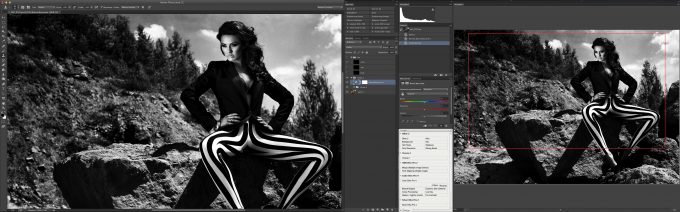 Photoshop CC from 2013 looks identical to CC 2014 and 2015. In the screenshot above, the interface is spread across two monitors.
So, in theory, you can buy the old Photoshop CS6 and be set for years, except that you won't be. CS6 was released a long time ago, and its RAW processor (ACR) cannot be updated to the latest versions. This means you cannot develop RAW files from new cameras. You have to use another program for that or convert them to DNG. You will also have to work without the new features and speed provided by newer versions.
The most important Photoshop CC improvements over CS6 and earlier versions are mainly: better skin-correction tools, a completely new "Smart Sharpen," support for 30-bit color on OS X, and a redesigned interface with a configurable toolbar. The other improvements matter for panoramic photos and similar work, but they are no use for what I do.
Is it worth it?
A surprising number of people do not understand how the subscription model works, or they think it will ultimately cost more than buying the boxed version (which no longer exists at all. Without a subscription, the only thing you can buy is an old copy of Photoshop CS6 left sitting somewhere). There is also a belief that the monthly fee is over PLN 100. That was the price before Adobe introduced the photography plan, which was a long time ago. Another myth is that Photoshop CC was created to prevent piracy, but only people who had no idea how CC worked could have thought that, assuming it ran as a web application.
So, is it worth it? At the current price, of course it is. At least, that's what I think.
The CC version also has a slightly different license from its predecessors. In the past, you could install the application on two of your computers as long as both used the same platform (both Windows or both OS X). If you had the OEM version, you could migrate to another platform, but both computers still had to use the same system. With the BOX version, officially you could not change systems, but a call to the support line could get it done. CC has none of these problems. The license covers two computers, regardless of which operating systems they run. You are not tied to a particular language version either. You can use English, then switch at any time to Polish, Russian, or any other language you want.
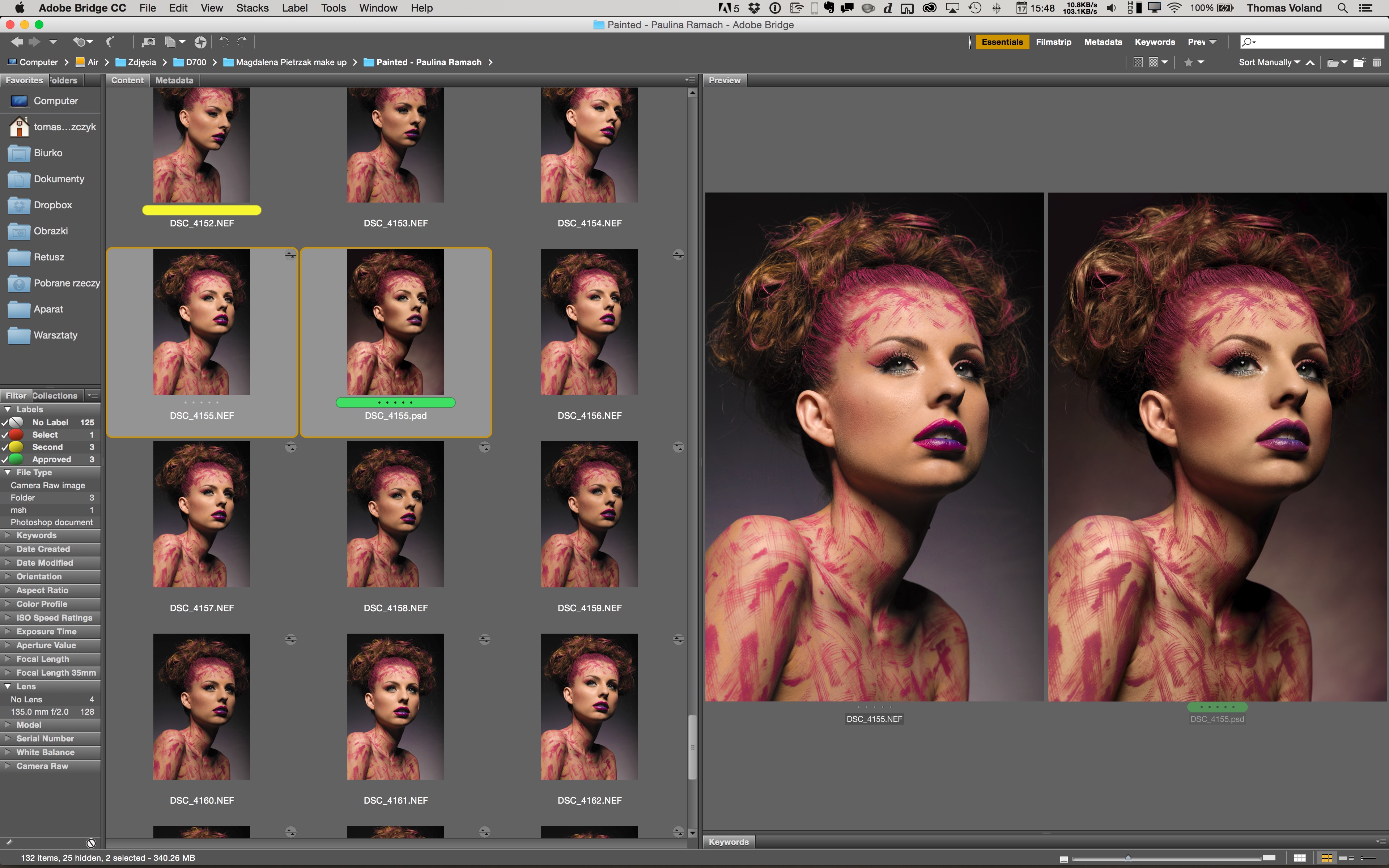 As usual, Adobe Bridge is free. I use it to browse photos before editing them. The screenshot shows a photo before and after retouching.
You can't do without Photoshop
If you intend to retouch properly, you need Photoshop. There is no question about that. Lightroom, Capture One, and other RAW processors do not have even a fraction of the features needed for retouching. Meanwhile, GIMP is recommended as an alternative only by users who have no idea what Photoshop can do. Suffice it to say that until recently it did not even support 16 bits per channel. The only potential competitor is Affinity Photo for Mac, but it does not exist yet (there is only a beta), and once it is released, it will take years before it is genuinely sufficient. By then, PS will already have a mass of new features. Update: The application is now available as a final version and has most of the necessary features, but for now it is still a long way behind Photoshop. It does not remember brush settings, and you cannot control opacity with pen pressure (only flow). It has no actions, no support for popular plugins, and so on.
RAW processors alone will do the job if you are batch-processing photos. Many reportage projects are completed without PS, but with beauty and fashion photos, you will be missing basic features built into Photoshop.
Why is PS so useful?
There are too many reasons to list them all, so I will focus on the most important ones. In PS, I can separate the texture of a photo from its color and correct the skin while working only on its texture (without worrying about color blotches). I also use frequency separation to separate hair from the background, making it easier to remove. With dodge and burn, I can give skin a great look without blurring it even slightly. I can automatically remove all sorts of small details, such as individual hairs, glitter that has fallen from the makeup, reflections from overly harsh light, and so on, using the Dust & Scratches filter, again without any blurring. I adjust contrast in Luminosity mode, so the colors do not change saturation and the skin still looks natural. I make local changes by masking individual parts of the photo because I work with layers throughout. These are things you do all the time, the absolute basics of retouching, and you cannot do them by developing a RAW file alone.
In fact, I showed many of these things in my retouching course. You can see some of it completely free here: Professional photo retouching: all the knowledge in a nutshell.

Summary
Offering Photoshop as a subscription is the best idea Adobe has ever had, or at least that is what the statistics say. Thousands of people switched from pirated copies to legitimate ones even though CC introduced no additional anti-piracy protection. It is simply more affordable now. Even in the few cases where it does not work out cheaper than CS, the price is spread across monthly payments.
Creative Cloud now includes every Adobe application, including ones that never existed as CS products. I signed up as soon as it launched. There was no photography plan then, and it cost considerably more, but the offer still seemed good. Now you get even more for half the price. When Adobe introduced the promotion for photographers (which has now become a permanent part of the offer), I still had six months left on a standard subscription. All I had to do was contact technical support, and they immediately switched me to the cheaper, better one. Of course, I mean English-language support. I would not wish dealing with the Polish support line on anyone, but you probably will not get the chance anyway because your odds of reaching them quickly are poor.
You can see the CC package offer here: link. And if you want to learn retouching like the kind you see in my photos, you can find my course here.