Midjourney v4: Photorealism and Realistic Characters Generated by Artificial Intelligence

Midjourney is an artificial intelligence for generating graphics. Its fourth version improved characters so much, especially faces, that I decided to write an article focused on photorealistic-looking people and photorealism in Midjourney in general. As for how to get the most out of this A.I.; how to write prompts so they contain exactly what we want, how to define lighting, and how to get started from scratch, I covered in the guide, which is something of an introduction to today's topic. So here I focus on examples, because I already explained most of the issues.


Newsletter: new material is coming
I'm preparing an article about upscaling A.I. graphics, using Midjourney to modify your own photographs, and a few other topics. Leave your email below and I'll let you know:


Prompts that produce photorealistic results
Normally, a lot of the generated graphics will look like paintings. Sometimes entirely, other times like photographs with elements drawn onto them. The word "photorealistic" and also "photo" in the same prompt are almost inseparable parts of every graphic that I want to look like a photograph, render, or film frame. I use them in different forms: simply "photo", or for example "commercial photo", "stock photo", "editorial photo", etc. These can also be other words suggesting that the result should be realistic.

I noticed that if I use "photorealistic" but do not add "photo", I more often get a character with realistic proportions but a style that is not necessarily realistic and still looks drawn. That is why I very often use both words in the same prompt.


With characters, most results will usually resemble a render or a photograph after heavy retouching, like an advertising photo. It is most obvious in male faces. You need to generate more graphics and choose the best ones, while the standard result sits somewhere between photography and graphics:


I will go deeper into better photorealism later, but of course there is no need to limit yourself to people. You can make, for example, a squirrel in wizard clothes that looks at least a little like a photograph or realistic render instead of a stylized graphic.


An off-topic note about stock: Making graphics like these only reinforces the conclusion I reached in my DALL-E 2 article: stock photographers are an endangered species. Now I think it will happen much faster than I originally expected, and some stock sites already have terms that allow them to accept A.I. graphics.
Instead of "photorealistic", you can use the name of a 3D rendering engine, for example "Unreal engine", "Octane engine", "V-ray engine" or "V-ray render", etc. However, I noticed that the word "engine" can sometimes be taken too literally, so now I would use "Unreal render", etc.


However, even though the Arnold renderer calculates light rays extremely accurately without taking shortcuts (it is what is known as an unbiased engine), and can therefore produce much more accurate and realistic results than Cycles, Octane, Unreal Engine, etc. at the cost of rendering time, this does not mean Midjourney will give us something closer to a photograph if I suggest Arnold instead of Unreal. It is simply treated as a hint that we want something realistic rather than stylized. The fact that these engines can also generate stylized graphics does not seem to matter here. To Midjourney, these names still mean strict realism rather than stylization.


Photorealistic characters
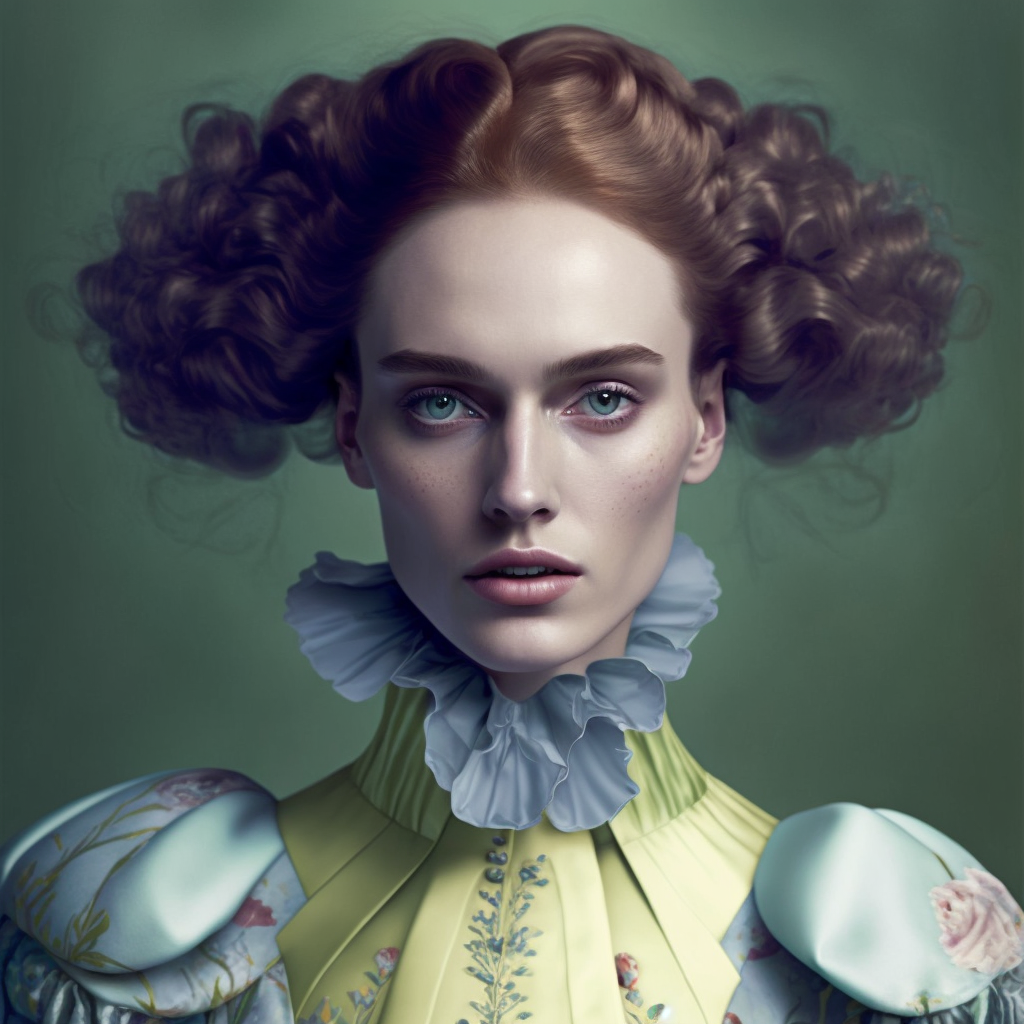
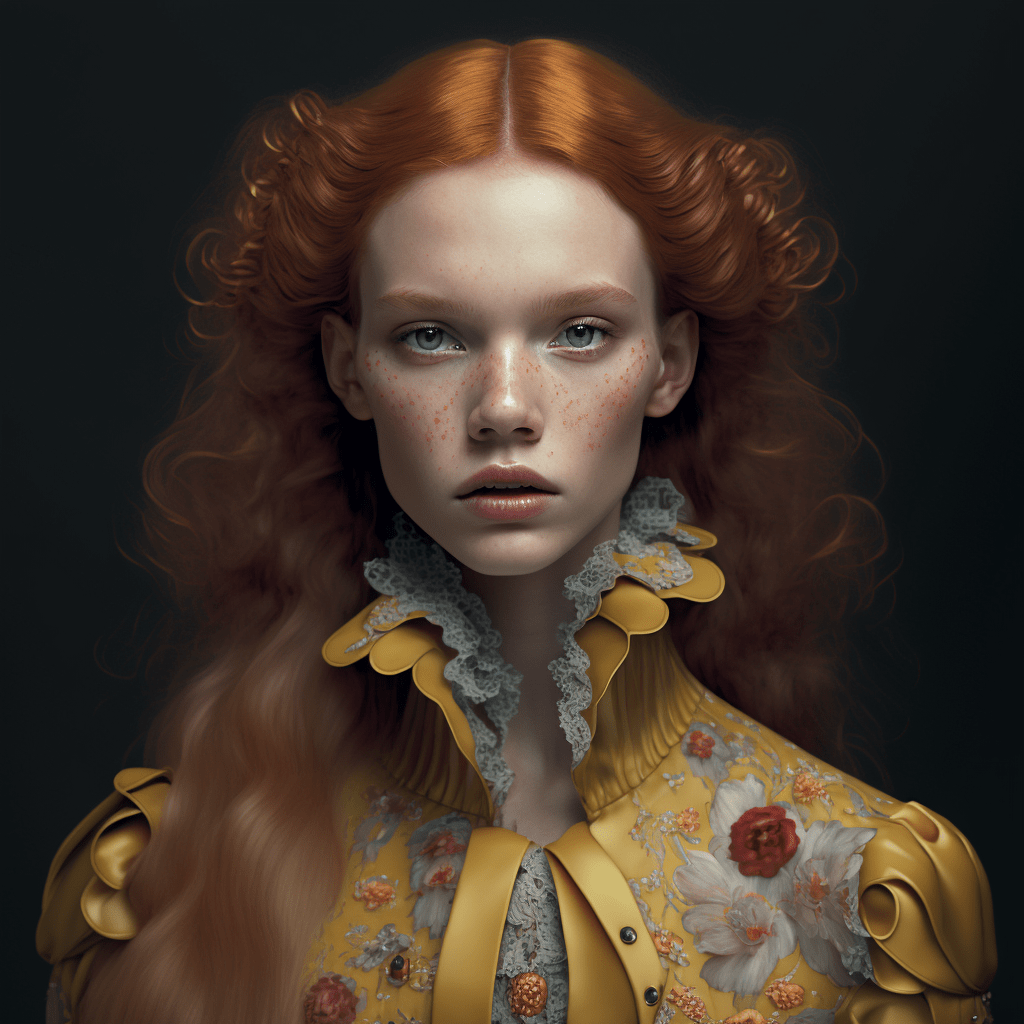
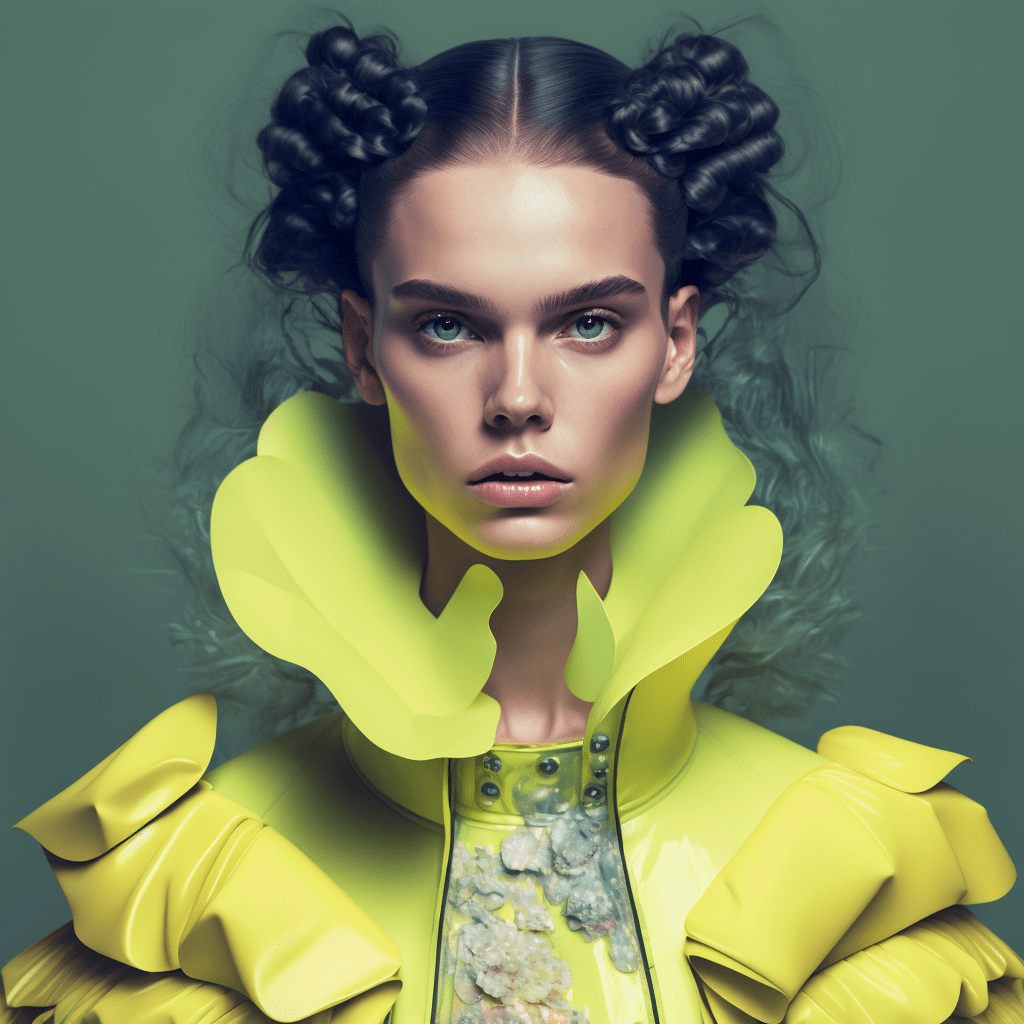
I will start by using one command for a while and making a small change to it every so often, to show how that change affects the generated graphic. Let Haute Couture fashion be part of it, so we can also see how creative Midjourney can be with such extravagant styling.


Faces used to be completely deformed, but as you can see in my graphics, Midjourney v4 generates portraits with correct anatomy. I am only showing selected examples here, but I created many times more and facial close-ups never let me down. Sometimes it is worse when the mouth is open, but more on that later. Strange "growths" can also occasionally appear on the cheeks, but it is generally okay, or they are just freckles.


It is not without reason, however, that I stressed how well this works in portraits. As I noted in my first Midjourney article, wider shots are sometimes fine, but most often you can see substantial facial deformities or deformities of the body in general (this is also very common in DALL-E 2).

When I do not define race or skin tone in Midjourney, I mainly get white characters, although it depends on the command. That was the case with Haute Couture editorials, but many of my other prompts produced more variety. You can always specify race anyway.

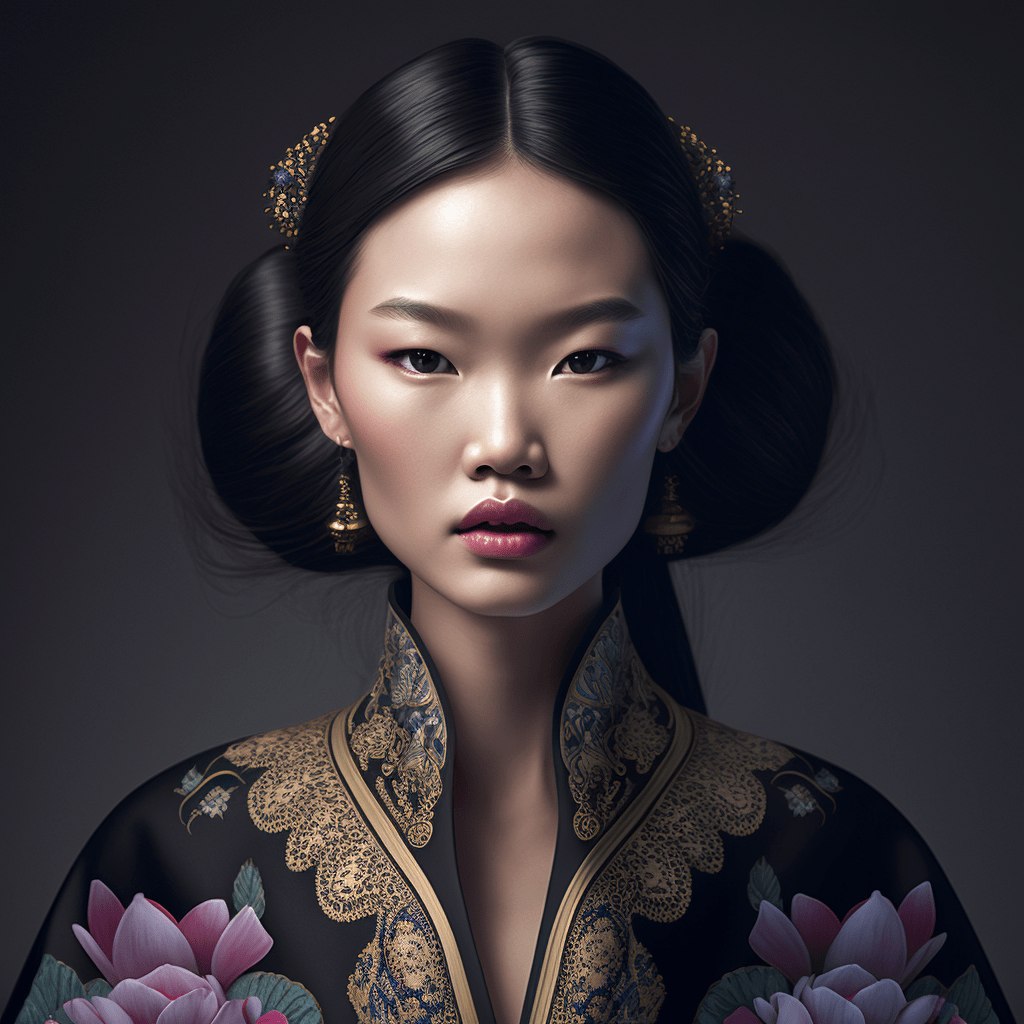
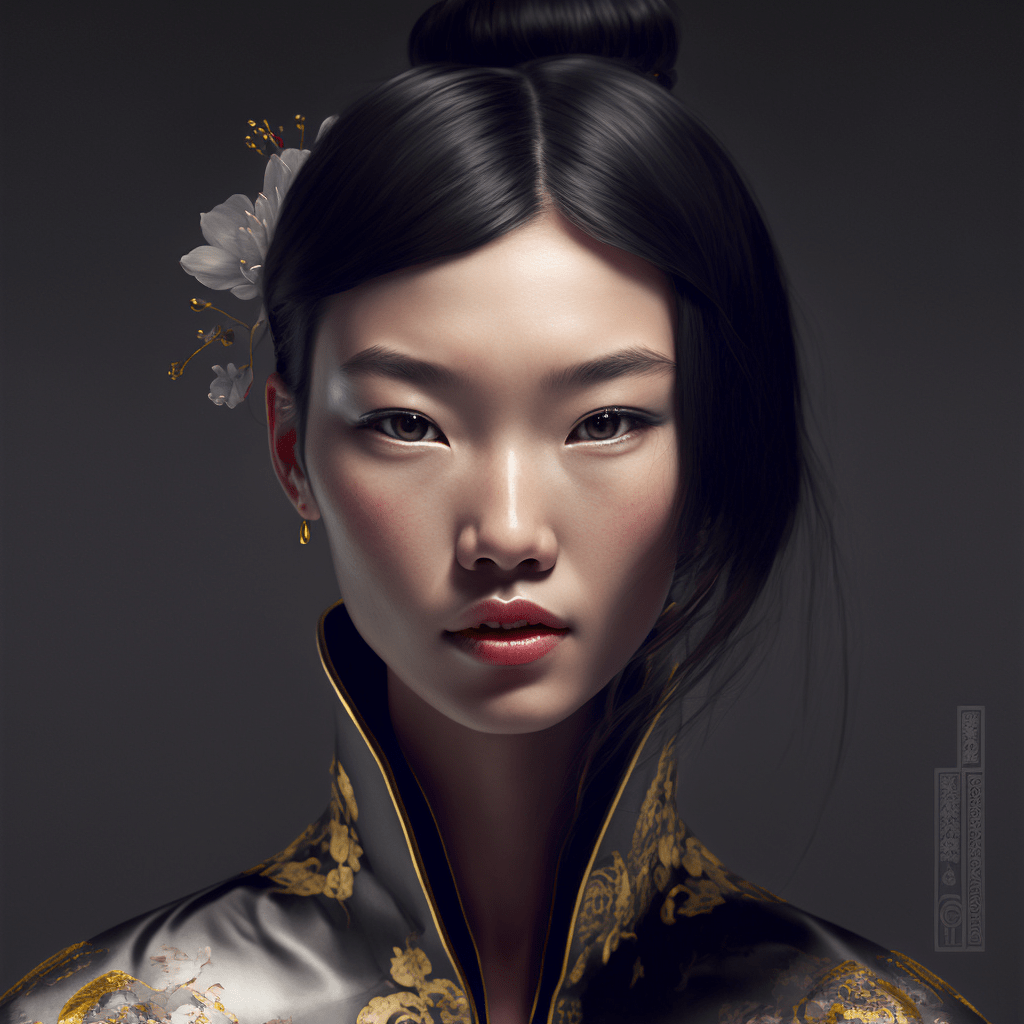


Although I am impressed by the styling, it is easy to see that despite using a very general prompt and repeating it with only slight changes, all the "photos" look as if they came from the same shoot. There are only a few lighting setups and the framing is almost identical, even though I never asked for portraits, etc. Photographers make such photos in far more ways, so it is surprising how little "creativity" Midjourney shows. Unfortunately, that is the nature of this A.I. and also a huge weakness compared with DALL-E 2: much less "imagination". The command needs to be expanded a little, but first let us see how it handles darker skin.


Adding more phrases to the command makes the results more varied.


Styles for photorealistic characters (and more)
Photographers
The easiest way to get a predictable result in a specific style is simply to define it by naming a particular photographer. I am keeping the Haute Couture editorial throughout, so we can see what adding only a surname does:


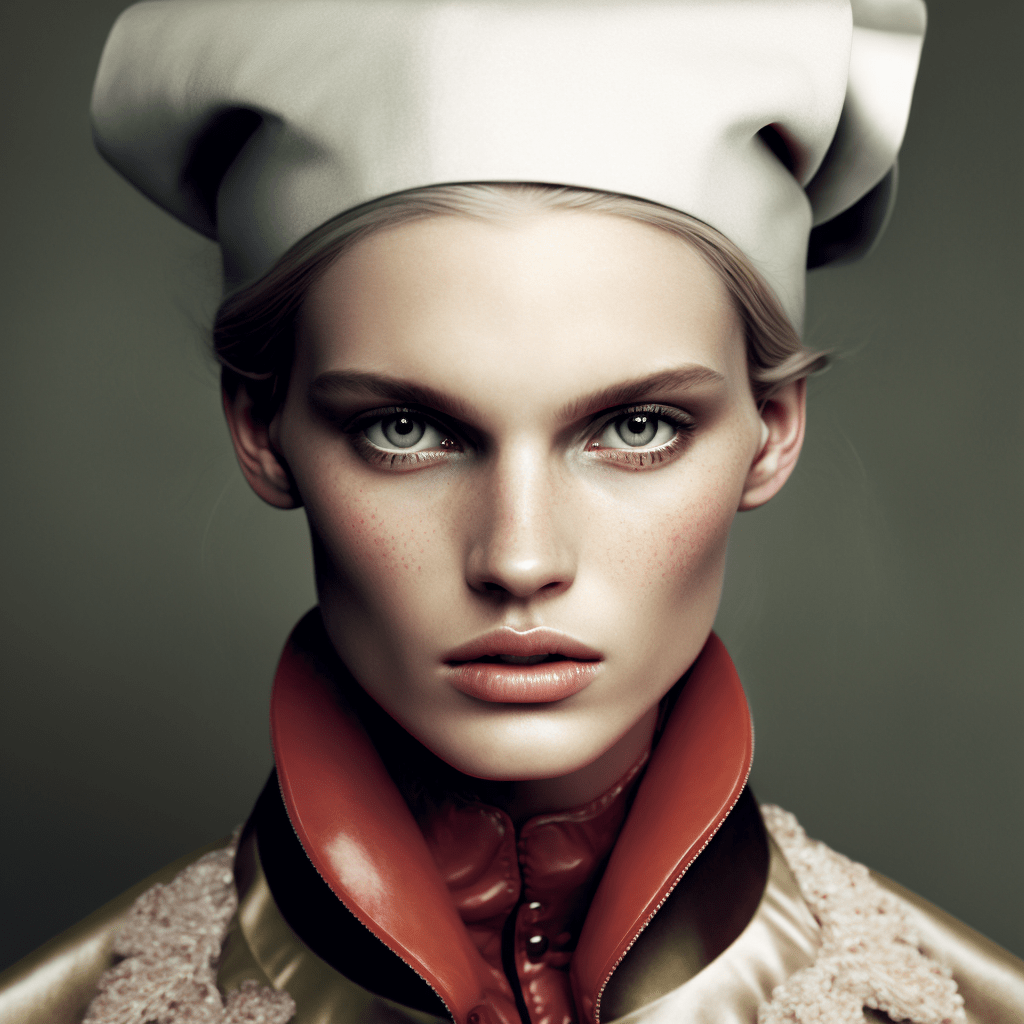
You can immediately see that asking for Mario Testino's style produces completely different beauty "photos". The light becomes much more contrasty (and therefore far closer to what I like to use in my own photos), while the colors come alive.


I still add words intended to produce more photorealistic results as a precaution, but they are actually unnecessary. Mario Testino worked strictly in photography, so Midjourney will know what the graphics should look like even without those words:


Again, everything will look similar until I modify the command. An alternative is to add variety with the --chaos parameter. I set it to 100, but that produces many graphics that stray far too much from the artist's style, so a much lower number would be more appropriate.


I will not use chaos again here, because the whole point of entering someone's name is to get that specific style, not to try to move away from it. So let us see what we get with the name of a master of pastel-colored fashion and dynamically static shots, Nick Knight:


I think his style was captured extremely well. I had not looked through his work for a long time, and if someone told me these were his latest shoots, it would not occur to me to question it. You can even see his fondness for wider shots, because Midjourney suddenly stopped generating portraits only:


With Stephen Meisel's style, the facial features that I never encountered before specifying the photographer stand out immediately, as does completely different color grading:


Let us also try something probably familiar even to people completely outside the photography bubble: Helmut Newton's style:


Styles of film directors and cinematographers
Directors with a distinctive film style also work as the authors of photoshoots, as long as the command remains specific:


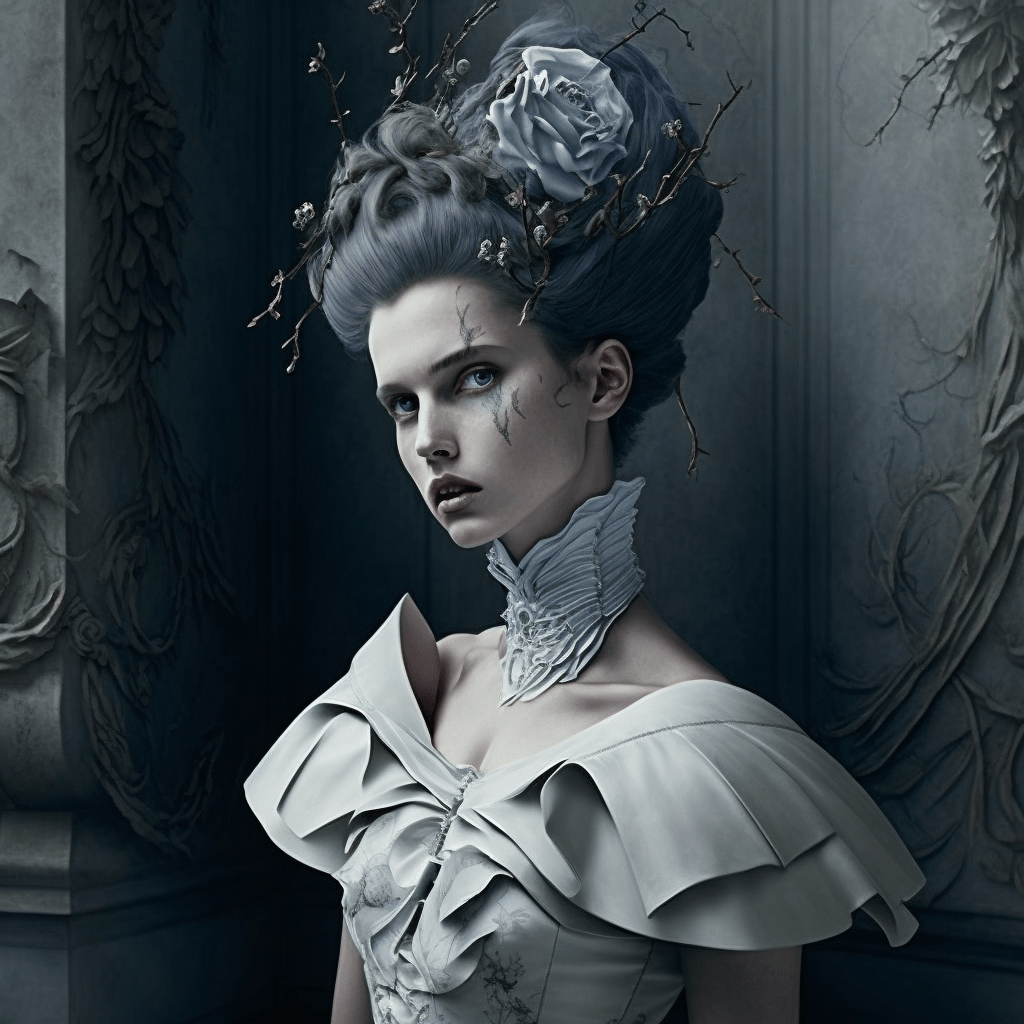


I am sticking rigidly to the same prompt to introduce as few variables as possible and genuinely show only the change in the style of the "photos". Otherwise, the result would be something like this:


Or more generally still:


Burton did not disappoint, but the general command once again shows how monotonous the results are. After the first dozen or so I generated, I had the correct impression that nothing else would surprise me. Most are variations on Edward Scissorhands. This is not limited to photorealistic graphics. I tested all sorts of styles.
Guillermo del Toro gives a slightly less predictable final result than Burton:






Woody Allen, meanwhile, produces many results with people who look retro:


With Michael Bay, I was hoping for explosions in the background, smoke, and projectiles flying everywhere, but the result was very generic.


Entering the name of a cinematographer known for a specific visual style also had a real effect on the results. Here is Roger Dteakins:


Mandy Walker mainly produces bright, warm "photos":


The specific color grading and exposure are the most noticeable. Mandy Walker means mostly warm and bright frames, and a great many of the Midjourney graphics came out exactly like that.
Painters
Van Gogh means very "painterly" clothing and a recurring floral motif:


Salvador Dali is very modern, with shades of yellow and gold in most graphics:


Leonardo da Vinci has a significant effect not only on the styling, but also on the characters' facial features:


Pablo Picasso means abstract shapes and an interesting mix of colors:


Andy Warhol was quite versatile and cannot simply be pigeonholed as a painter, but his style was certainly unique and it was reproduced very well:


Jackson Pollock absolutely delighted me. I love this type of lighting and posing, and it is interesting that this particular lighting setup keeps recurring when his name is used:


The models really do look like models
As you can see from the commands, I asked for a photorealistic editorial with a fashion model. Although the result is repetitive to the point of boredom, it does match the description. Perhaps except for the characters' age. Just as in DALL-E 2, age is treated very loosely, although there is evidence that the way we perceive age depends heavily on styling, so there is a good chance Midjourney matched it far better than I think.
What is more, the people in the generated work based on photographers' styles really do look like models.

This is interesting because "normal people" have no idea what traits this profession requires. They say all sorts of girls "look like models" when they simply consider them pretty, even if every professional photographer can immediately see that they would have no place in modeling. Midjourney nevertheless followed the command correctly.


You never see "normal" people in Haute Couture clothes, though, so while learning, Midjourney almost always saw professional fashion models wearing them. Let us see how this A.I. imagines models when the command contains no additional context...


Here, their suitability for modeling is no longer so obvious, but it still generates almost nothing but women.
At the start I mentioned that the "photo-realism" of Midjourney's characters is highly debatable and DALL-E is much better in this respect. Female characters resemble photographs to a greater or lesser extent, while men generated with similar commands look like portraits taken from old, two-dimensional RPGs:

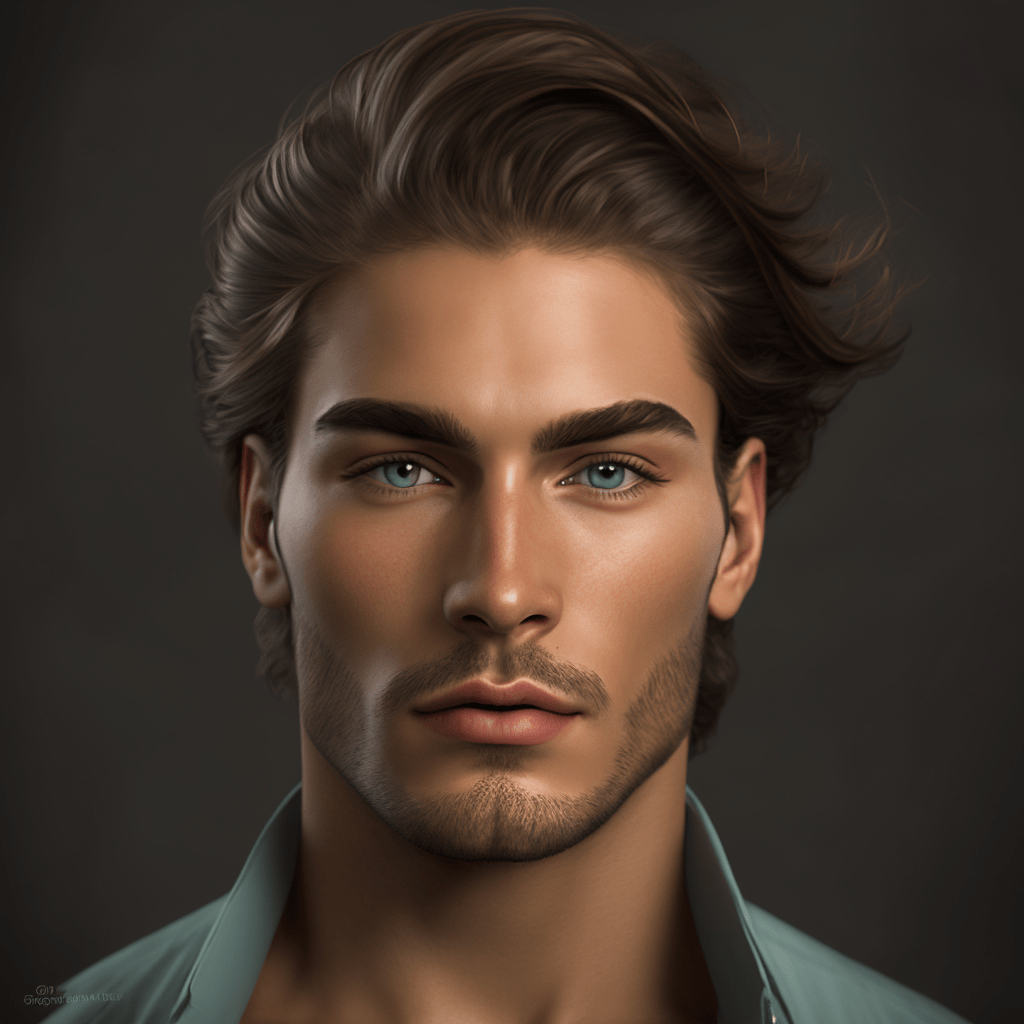
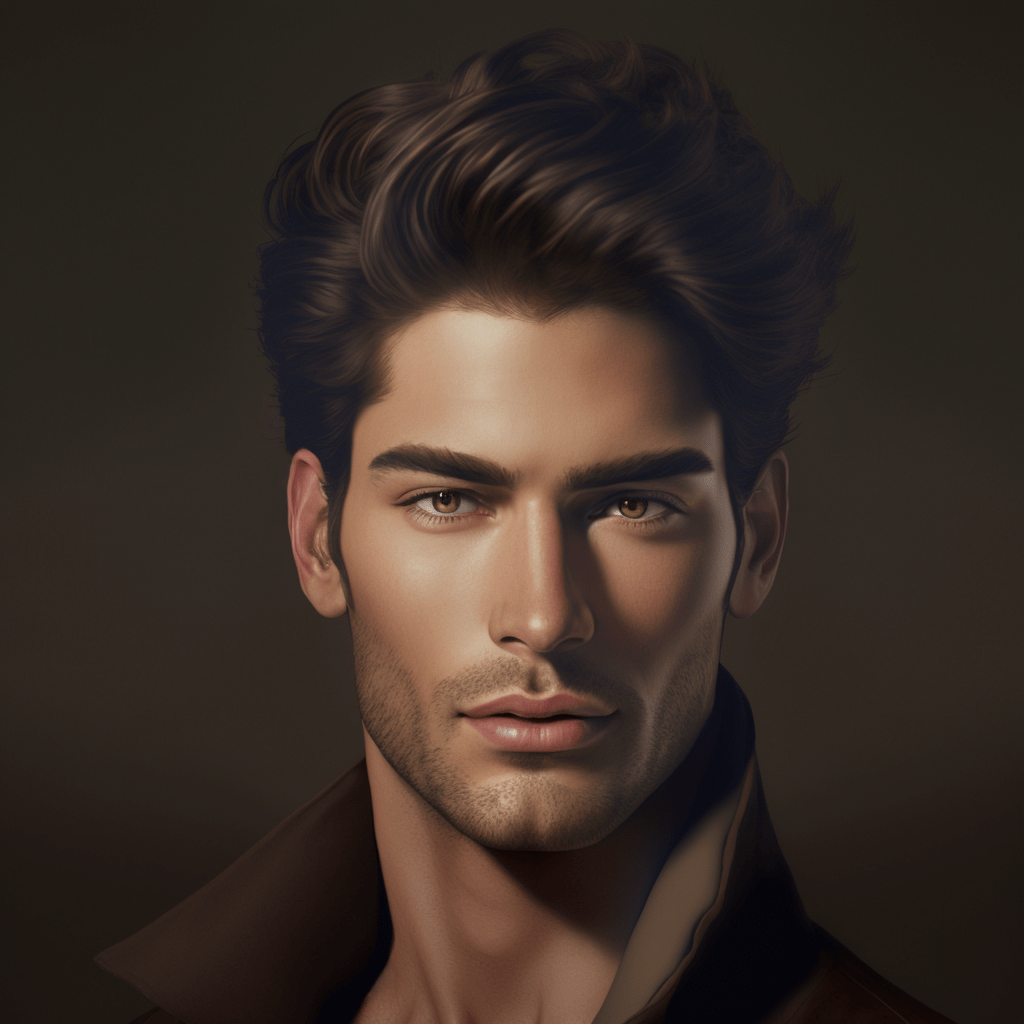
The earlier Haute Couture commands produced better results:


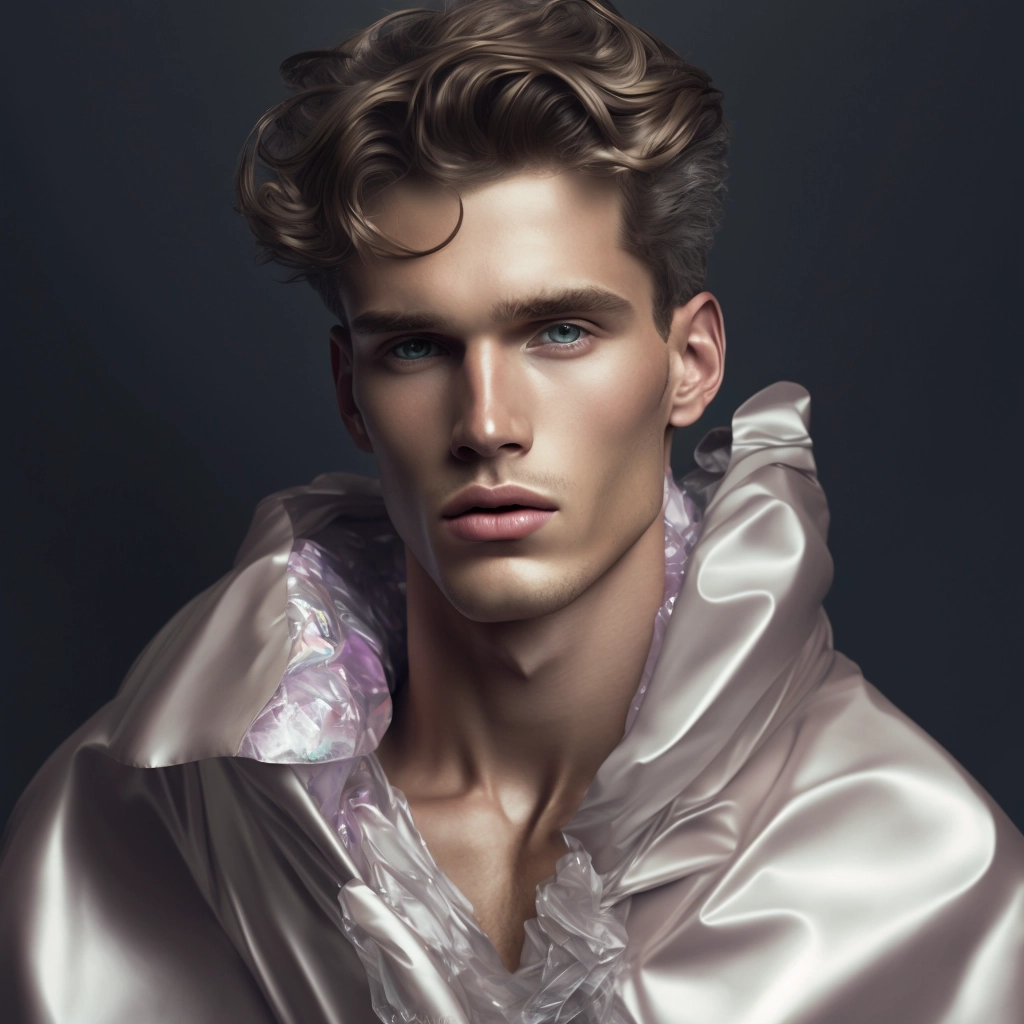


These results would be wonderful as the cast of a film about a vampire family. They are not bad as photorealistic Haute Couture photos either, although it is obvious that Midjourney has a blue-eye fetish with men in these prompts. Adding a specific photographer would also work better here and produce different results.


After all these graphics, everyone has probably noticed the hair by now. It is the part that fits the least. Even when everything else looks realistic, the hairstyle looks as if it came from a paintbrush rather than a lens. There are exceptions, but not many:

A great many of the portraits I showed included headwear. I often choose those shots precisely because the other options proposed by Midjourney have hair that looks too drawn, so it is better when you cannot see it quite so clearly.


Photorealistic 20yo beautiful slim nun red lips

Not just pretty pictures
It is worth remembering the advice I gave in the Midjourney v4 guide, including how to define the style of a photo, the importance of individual prompt elements, etc. In the guide I also covered the most common problems, defining lighting, and many other issues.


Summary
True photorealism in Midjourney characters does not quite exist at the moment. The graphics can resemble photographs, but photographs from professional photoshoots after heavy retouching, not casual snapshots untouched by editing. The kind of skin detail produced by DALL-E 2 is unheard of in Midjourney. However, if you use words such as render, photorealistic, photo, etc. and name, for example, a photographer whose style should be reproduced, the chances of good, photorealistic results rise dramatically. Many results will still be rejected, but you can find the exceptional ones.
P.S. The prompt for the image used as this article's cover is "Photorealistic handsom vampire female after a feast cinematic".
Newsletter: new material is coming
I'm preparing an article about upscaling A.I. graphics, using Midjourney to modify your own photographs, and a few other topics. Leave your email below and I'll let you know: